You probably do not need another productivity tip. You need fewer decisions waiting for you every morning.
A client follow-up is overdue. Your next newsletter is still an idea. A proposal needs polishing. Three social posts are half-written, and you have not checked whether the new landing page explains what you actually sell. You are not short on ambition—you are stuck doing every small step yourself.
That is why many founders feel nervous about using AI. The concern is reasonable: what if it sends the wrong message, makes a promise you cannot keep, or publishes something that does not sound like you?
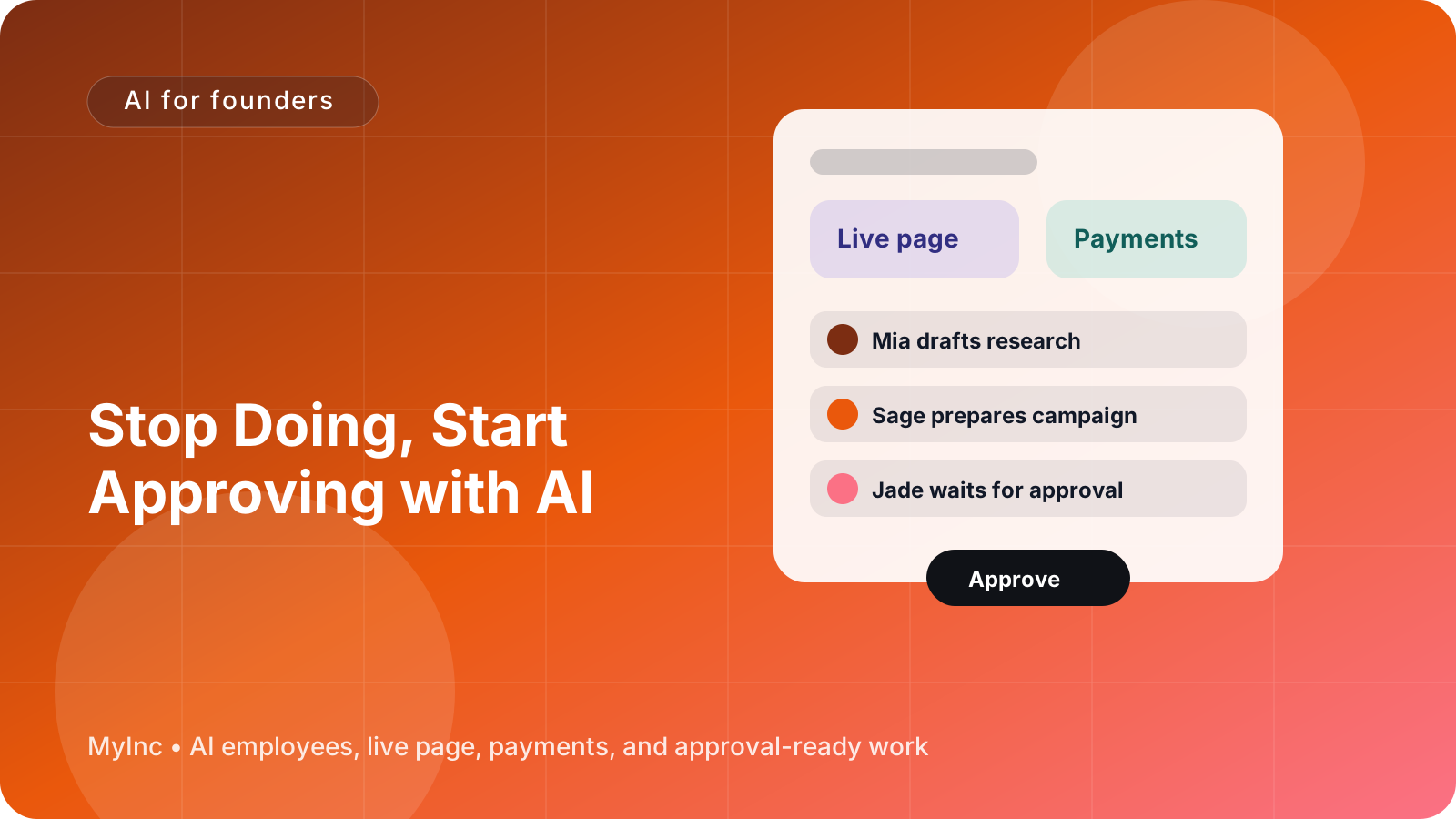
The answer is not to let AI run unchecked. It is to change the workflow from doing everything to approving prepared work.
Quick answer
An AI approval workflow for founders works like this:
- You give an AI team your business context, goals, preferences, and boundaries.
- The AI team prepares useful work, such as emails, proposals, content, launch plans, or follow-ups.
- You review the drafts in one place and request changes or approve them.
- Nothing outbound ships until you say yes.
- Your feedback improves future drafts, so the AI teammates become more useful over time.
You remain the decision-maker. The AI team removes the blank page, repetitive preparation, and task switching.
The difference between doing and approving
When you do a task yourself, you handle every stage: remembering it, starting it, researching it, drafting it, editing it, formatting it, and sending or publishing it.
When you approve a task, an AI teammate handles the preparation. You spend your time on judgment:
- Is this accurate?
- Does it sound like us?
- Is this the right customer or audience?
- Is the timing right?
- Should this go out at all?
That is a much better use of a founder’s attention. You still protect your reputation and make the important calls, but you do not have to manufacture every first draft from scratch.
Think of an AI teammate as a reliable colleague who has read your context and prepared a sensible version of the work. It does not replace your judgment. It gives you something specific to react to.
What an approval-first workflow looks like
Here is a practical workflow you can use today, whether you run a consultancy, software business, service company, newsletter, agency, or creator business.
1. Define your approval boundaries
Before asking AI to do anything, write down what it may prepare and what always requires your approval.
For example:
- AI may draft customer follow-ups, but you approve every send.
- AI may outline a webinar, but you approve the claims and final invitation.
- AI may prepare a proposal from your pricing rules, but you approve the price and scope.
- AI may create social posts, but you approve every post before publishing.
- AI may organize launch tasks, but you approve deadlines and public announcements.
This removes the vague fear that AI might "take over." You are creating a clear gate: prepare freely, send only with permission.
2. Give the AI team useful context
AI can only make good drafts when it understands the business behind them. Start with a short context document or brief containing:
- What you sell and who it is for
- Your current offers, prices, and delivery process
- Your tone of voice and words you avoid
- Your best customer examples or case studies
- Your current goals for the next 30 days
- Claims the team must not make
- Situations that always need your personal review
Do not try to write a perfect company handbook. A few accurate paragraphs are enough to start. You can improve the context when you notice a repeated mistake.
3. Ask for a draft with a clear outcome
Avoid prompts like, "Help with marketing." Give the AI teammate a result and constraints.
For a consultant:
Draft a follow-up email for a prospect who attended my pricing strategy workshop. Mention the workshop takeaway, suggest a 20-minute call, and keep the tone helpful rather than pushy. Do not invent results or add a discount. Prepare it for my approval; do not send it.
For a software founder:
Prepare a launch checklist for our new reporting feature. Include the changelog, customer email, help article outline, and three social drafts. Use the product notes in our context and flag anything that needs confirmation. Nothing should be published.
For a creator:
Turn this podcast transcript into a newsletter draft and five short posts. Keep my conversational style, preserve the main argument, and mark any quote that needs fact-checking. Wait for approval.
The phrase "prepare for approval" matters. It tells the AI teammate that the goal is a reviewable draft, not an autonomous outbound action.
4. Review in passes instead of rewriting everything
When a draft arrives, do not immediately rewrite it line by line. Use three quick review passes.
Pass one: truth. Are the facts, names, prices, dates, and promises correct?
Pass two: fit. Is this right for the intended customer, channel, and moment?
Pass three: voice. Does it sound like your business and reflect how you actually speak?
Then choose one of three actions:
- Approve: It is ready to send or publish.
- Request changes: Give specific feedback, such as "shorten the opening," "remove the guarantee," or "make the next step clearer."
- Reject: Explain why the direction is wrong and what outcome you want instead.
Specific feedback is more useful than saying "make it better." It gives the AI teammate a reusable rule for future work.
5. Create an overnight work rhythm
The biggest benefit is not just faster drafting. It is waking up to prepared decisions instead of an empty task list.
At the end of your workday, give your AI team a short queue:
- Draft a response to these three leads.
- Turn yesterday’s notes into a client update.
- Prepare the first version of next week’s content.
- Review the launch plan and list missing decisions.
- Summarize customer questions and suggest product or FAQ updates.
The AI team works through the preparation while you are away. In the morning, you review a focused set of drafts and questions. You can approve the simple items, revise the important ones, and spend your best hours on work that genuinely requires you.
This is especially useful for founders who are the bottleneck in every process. The work does not wait for you to begin every step. It waits for your decision at the right step.
How to keep control without becoming the bottleneck
An approval gate should protect quality, not create another inbox. Use a few simple rules:
- Batch reviews: Set two approval windows each day instead of checking constantly.
- Use risk levels: Auto-prepare low-risk drafts, but give extra scrutiny to pricing, legal, financial, and public claims.
- Request options: Ask for two subject lines, three hooks, or two proposal structures when the choice matters.
- Keep a decision log: Record why you approved or rejected important work.
- Review patterns weekly: Look for repeated errors, missing context, or tasks that should be removed entirely.
You can also ask the AI team to flag uncertainty rather than hide it. A useful draft might say, "I found two possible customer segments; please confirm which one this launch targets." That is better than confidently choosing the wrong one.
Learning from feedback
The workflow gets stronger when your feedback becomes part of the system.
Suppose you repeatedly change "book a call" to "reply with your current setup." That is not just an edit to one email. It is a preference. Tell the AI teammate: "For early prospect follow-ups, use a low-friction reply as the primary call to action unless I ask for a meeting."
Suppose you reject social posts that use exaggerated language. Add a rule: "Do not use phrases like guaranteed, effortless, or instant." Suppose you always ask for a customer example before publishing a feature announcement. Add that to the launch checklist.
Over time, the AI team should need less correction on routine work. You are not giving up control; you are turning your decisions into clear operating knowledge.
A founder’s approval checklist
Before approving any outbound work, ask:
- Is every important fact correct?
- Is the audience clear?
- Does this promise something we can deliver?
- Does the tone sound like us?
- Is the call to action easy to understand?
- Does anything require a personal reply or extra context?
- Would I be comfortable seeing this message publicly?
If the answer is yes, approve it. If not, leave one or two precise notes and send it back for revision.
The goal is not perfect AI-generated work. The goal is a dependable loop that gives you a strong starting point and keeps final responsibility with you.
FAQ
Will an AI approval workflow send things without me knowing?
It should not. Configure the workflow so that outbound email, public posts, customer promises, and other external actions require your explicit approval. The AI team can prepare the work and identify what is ready, while you control the final release.
What if the AI draft is wrong or does not sound like me?
That is expected during setup. Correct the specific issue and turn the correction into a rule, example, or piece of business context. You can also ask for sources, uncertainty flags, and alternatives instead of accepting the first draft.
What should I delegate first?
Start with repeatable, low-risk work that already has a clear outcome: follow-up drafts, content repurposing, meeting summaries, launch checklists, FAQ updates, and customer research summaries. Keep pricing decisions, sensitive customer situations, legal claims, and strategic commitments behind a stronger review gate.
Let your AI team prepare the work
An approval-first process solves three daily founder problems: the blank page, the overnight backlog, and the fear that something will go out without your permission. MyInc.app gives you an AI team that reads your business context, prepares real drafts, organizes launch and marketing work, and keeps outbound actions behind your approval.
With MyInc.app, you can use:
- A chief of staff AI teammate to organize priorities, decisions, and follow-ups
- Launch, marketing, social, and content AI agents to prepare work across the business
- A central founder workflow where drafts are ready for review instead of scattered across tools
Ready to stop running your company alone? Start MyInc.app for free and let the AI team take this exact work off your plate—while you stay in control of what gets approved and what goes out.