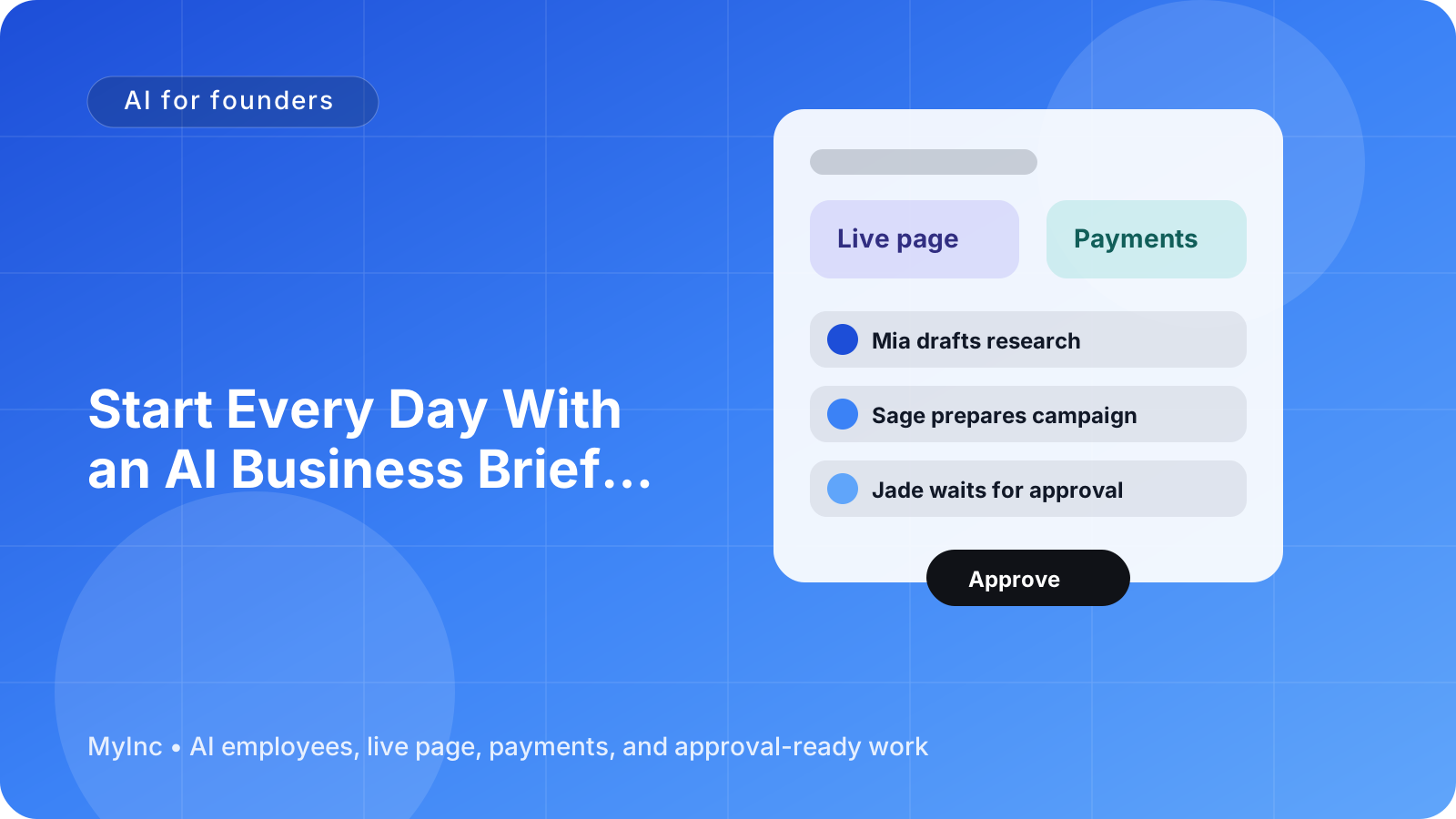
You open your laptop with one simple question: What happened in the business while I was away?
Then the tab switching begins. You check email, payments, your calendar, project notes, customer messages, analytics, and half-finished drafts. Thirty minutes later, you have collected information—but you still do not have a clear plan for the day.
A daily briefing can change that. Instead of starting with scattered updates, you start with a short summary of what happened, what needs your attention, and what is already queued for later.
Quick answer
An AI daily briefing for founders is a concise morning report prepared from the business context your AI team can access. It should answer four questions:
- What happened overnight? New inquiries, payments, replies, progress, or problems.
- What needs me? Decisions, approvals, urgent customer issues, or important follow-ups.
- What is waiting? Draft emails, posts, launch tasks, proposals, and other work ready for review.
- What should happen next? A short list of practical next steps based on your priorities.
The goal is not to produce another dashboard. The goal is to give you enough context to make good decisions quickly—and let your AI teammates prepare the work before you ask.
What a useful founder briefing looks like
A good briefing is not a long activity log. It filters information into decisions and actions.
Imagine you run a consulting business. Overnight, a prospective client replies to your proposal, an existing client asks to move a meeting, and your content teammate drafts a LinkedIn post based on a recent project insight.
Your morning briefing might say:
Overnight recap: The Acme proposal received a positive reply. Jordan asked to move Thursday's call to Friday. A draft LinkedIn post about reducing onboarding delays is ready.
Needs you: Confirm whether Friday at 10 a.m. works. Decide whether to offer Acme the standard or tailored package.
Pending approvals: Proposal follow-up email, LinkedIn post, and a revised service-page headline.
Suggested next steps: Reply to Acme first, approve or edit the post, then spend 20 minutes preparing for Friday's call.
That is much more useful than a list of 37 notifications. It tells you what changed, what matters, and where your attention will have the highest value.
The four parts of an AI daily briefing
1. Overnight recap
The first section gives you the business version of “while you were asleep.” It can include:
- New customer or prospect messages
- Payments, sign-ups, or booking activity
- Replies to proposals and outreach
- Completed work from your AI team
- Changes to deadlines, meetings, or launch tasks
- Important issues that appeared overnight
The recap should be short. A founder does not need every event repeated. They need the events that could affect revenue, customers, reputation, or today's priorities.
For a creator, that might mean a sponsorship inquiry and comments requiring a response. For a software founder, it might mean new trial users, a bug report, and a draft release note. For a local service business, it could be new appointment requests, a payment confirmation, and a customer asking for a quote.
2. The needs-you queue
The needs-you queue is the most important part of the briefing. It separates work that requires your judgment from work someone else can prepare.
Each item should make the decision clear:
- Decision: Should we accept this project?
- Reason: The requested deadline is two days earlier than your normal schedule.
- Suggested response: Offer the following available date.
- Your action: Approve, edit, or reject the draft.
This keeps you from rereading an entire conversation just to discover what is being asked. It also prevents an AI teammate from making a decision that belongs to you.
A practical needs-you queue might have three labels:
- Today: Time-sensitive decisions or customer replies
- This week: Important but not urgent approvals
- Watch: Information worth knowing, with no immediate action
3. Pending approvals
Your AI team can prepare real work without sending or publishing it automatically. That distinction matters.
Pending approvals might include:
- A reply to a lead
- A follow-up email after a sales call
- A proposal or scope summary
- A social post or newsletter draft
- A homepage or service-page update
- A launch checklist
- A payment or pricing message
Every draft should include enough context to review it quickly. Ask your AI teammate to show the goal, audience, key facts used, and any assumptions. Then you can approve, edit, or send it back with a note such as “make this warmer,” “use a shorter deadline,” or “do not mention the discount.”
The point is not to remove you from important communication. It is to remove the blank-page work and the repeated searching that happen before communication.
4. Next-step suggestions
A briefing becomes especially valuable when it turns information into a realistic plan.
Keep the suggestions limited to three to five actions. For example:
- Respond to the qualified lead before noon.
- Approve the customer onboarding email.
- Review the revised pricing page.
- Block 30 minutes to prepare for the client call.
Suggestions should connect to your stated priorities. If this week's priority is filling a workshop, your briefing should not push you toward unrelated website polish. If you are preparing for a launch, it should surface launch dependencies before low-value tasks.
You remain the decision-maker. The AI team is helping you choose the next useful move instead of presenting an endless list of things you could do.
How to create your briefing workflow today
You can start with a simple process, even if you have never used AI to run part of your business.
Step 1: Write down your daily sources
List the places where meaningful business activity happens:
- Business email
- Payment or booking activity
- Calendar
- Customer or project conversations
- Task lists
- Website or landing page
- Draft content and launch plans
Do not try to connect everything at once. Start with the three sources you check most often each morning.
Step 2: Define what counts as important
Tell your AI teammate what deserves attention. For example:
- Any new lead with a clear buying question
- Any payment failure or refund request
- Any deadline within the next seven days
- Any customer complaint
- Any approval blocking a launch
- Any message from a high-priority client
This gives the briefing a filter. Without a filter, summaries become noisy and you stop reading them.
Step 3: Give each item an owner and status
Every update should answer: Who needs to act, and what is the status?
Useful statuses include:
- Needs founder decision
- Draft ready for approval
- Waiting on customer
- Waiting on teammate
- Scheduled
- Complete
This prevents the common founder problem of treating every open item as equally urgent.
Step 4: Ask for drafts, not just summaries
A summary tells you that a prospect replied. A useful AI teammate also prepares a polite follow-up based on the conversation and your offer.
A summary tells you that a launch post is due. A useful AI teammate drafts the post, suggests a call to action, and places it in the approval queue.
Use a simple instruction like:
Prepare a morning briefing with an overnight recap, a needs-you queue, pending approvals, and three suggested next steps. Draft replies or content when the context is clear, but never send or publish anything without my approval.
Step 5: Review the briefing at a fixed time
Read it before opening unrelated tabs. Spend five minutes deciding what you will approve, edit, delegate, or schedule.
If the briefing is too long, ask for fewer items. If it misses something, add a rule. Your AI team gets more useful as you explain your priorities, tone, offers, deadlines, and decision boundaries.
A simple morning checklist
Use this checklist for your first week:
- [ ] Read the overnight recap before checking every individual app
- [ ] Handle urgent customer or revenue-related items first
- [ ] Approve, edit, or reject ready drafts
- [ ] Ask for missing context instead of starting a new search
- [ ] Pick no more than three major actions for today
- [ ] Move non-urgent items to a later queue
- [ ] Tell your AI teammate what changed in your priorities
At the end of the day, you can also ask for a short handoff: what was completed, what is blocked, and what should be included in tomorrow's briefing.
Common mistakes to avoid
Making the briefing too long. If it takes 30 minutes to read, it has become another inbox. Keep the top section focused on decisions and exceptions.
Treating every notification as urgent. A new social reaction is not equal to a failed payment or a customer deadline. Define priority levels.
Letting AI guess important facts. Your AI teammate should flag uncertainty, not invent pricing, commitments, or customer details. Review sensitive drafts carefully.
Skipping the approval boundary. AI can prepare work while you keep control of messages, publishing, pricing, and promises made to customers.
Failing to update context. If your focus changes from selling services to preparing a course launch, tell the AI team. Better context produces better briefings.
FAQ
What should an AI daily briefing include?
At minimum, include an overnight recap, items that need your decision, pending drafts or approvals, and three practical next-step suggestions. The exact sources can vary by business: email, payments, bookings, projects, content, or launch plans.
Will an AI teammate send messages without my permission?
It should not. A safe workflow separates preparation from execution. Your AI teammate can read relevant context and draft a reply, post, proposal, or update, while you approve or edit it before it goes out.
How long should a founder spend reading the briefing?
Aim for five to ten minutes. If it takes longer, ask for a shorter summary, clearer priority labels, and fewer suggested actions. The briefing should reduce tab switching, not create another report to manage.
Start your morning with a team, not a tab marathon
The daily briefing works best when it is connected to the rest of your business. Someone needs to gather context, someone needs to prepare drafts, and someone needs to keep track of what is waiting for your decision.
That is the role of an AI team. Think of AI teammates as reliable colleagues who learn your business context, prepare real work, and wait for your approval before anything important goes out. A chief of staff can organize priorities while launch, marketing, social, and content AI teammates handle the preparation behind the scenes.
Start MyInc.app for free and let the AI team take this exact work off your plate. MyInc.app helps solve three daily problems: scattered overnight updates across email and business activity, unclear queues of decisions and approvals, and the blank-page work of drafting replies, content, and next steps. Your team works overnight, prepares the briefing and supporting drafts, and keeps you in control of what gets approved.
Ready to stop starting every day by hunting through a dozen tabs? Start MyInc.app for free at myinc.app and begin your morning with a clear business briefing.