You start the day with one important task. Then email needs a reply, a client needs a proposal, your website needs updating, and the launch you planned is still sitting in your notes. By lunchtime, you have switched between founder, salesperson, marketer, customer support agent, and project manager without finishing the work that matters most.
That is the daily reality for many first-time and solo founders. The problem is not a lack of ambition. It is that one person is trying to fill every role at once.
Quick answer
An AI team to run your company is a group of specialized AI teammates that help with different parts of the business. A chief of staff can organize priorities, while launch, marketing, social, and content teammates prepare drafts and plans.
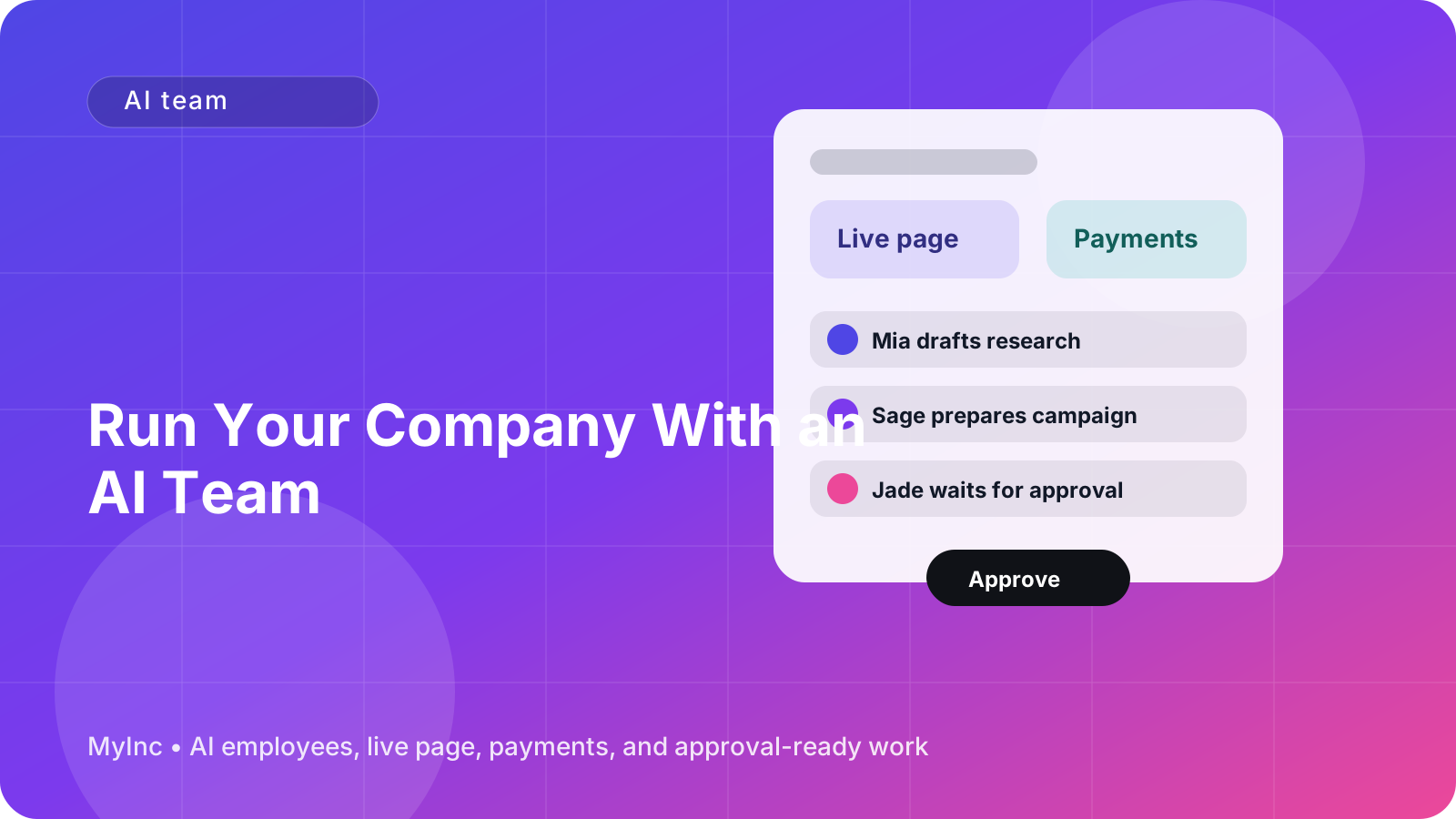
You do not hand over your company and hope for the best. You give the AI team context, ask for a specific outcome, review what it creates, and approve anything before it goes out. Used this way, an AI team helps you turn scattered ideas into organized, reviewable work without hiring a full team on day one.
What an AI team actually means
If you have never used AI for business, the idea can sound more complicated than it is. Think of an AI teammate as a reliable assistant with a specific job.
A general chatbot might answer a question in isolation. An AI teammate is more useful for ongoing company work because it can work from your business context: what you sell, who you serve, how you speak, what you are trying to achieve, and what has already been done.
A role-based AI team might include:
- Chief of staff: Turns your goals and loose notes into priorities, plans, follow-ups, and a realistic daily schedule.
- Launch teammate: Helps plan a product launch, service announcement, event, newsletter, or new offer from idea to checklist.
- Marketing teammate: Drafts positioning, outreach, email campaigns, landing page copy, and customer-facing messages.
- Social teammate: Creates a practical posting plan and drafts posts that match your voice and audience.
- Content teammate: Turns your knowledge into articles, guides, FAQs, case studies, and other useful content.
These roles are not replacements for your judgment. They are a way to stop starting from a blank page every time. Your AI team can prepare the work, but you remain the decision-maker. Nothing needs to be published, sent, or changed until you approve it.
Why this helps a stretched founder
The biggest benefit is not simply producing more words. It is reducing the number of decisions you have to make from scratch.
Without support, a simple marketing task may look like this: decide what to promote, choose an audience, write a message, find the right channel, create follow-ups, and remember to send everything. That is a lot of context switching for one task.
With an AI team, you can say, “I want to fill three consulting calls next month with independent agencies,” and ask for a plan. The marketing teammate can suggest an offer and outreach sequence. The content teammate can draft an educational article. The social teammate can turn the idea into several posts. The chief of staff can place the tasks in order and identify what you need to approve.
You still decide whether the plan is right. You just do not have to create every first draft alone.
A beginner-friendly workflow you can use today
You can test the idea with one small business goal. Do not begin by asking an AI team to run everything. Start with a problem that is important, repeatable, and currently taking too much of your time.
Step 1: Choose one outcome
Write a single sentence describing what you want to happen in the next seven days.
Examples:
- “Book five introductory calls for my bookkeeping service.”
- “Prepare the announcement for my new paid workshop.”
- “Create a simple page for my design consulting offer.”
- “Get three former clients to refer new projects.”
- “Publish one useful article that answers a common customer question.”
A specific outcome gives your AI team something concrete to work toward. “Help with marketing” is too broad. “Draft a two-week plan to promote my workshop to freelance designers” is much easier to act on.
Step 2: Share the context an AI teammate needs
AI work improves when the instructions include the information you normally keep in your head. Prepare a short context document or message with:
- What your company does
- Who your best customer is
- The problem you solve
- Your main offer and price, if relevant
- Your preferred tone and words to avoid
- Your current goal
- Any deadlines or limits
- Examples of work you like
For example: “I help early-stage software companies improve onboarding. My audience is founders with small product teams. I want to sound practical and direct, not corporate. This month I want to book four discovery calls. I do not want to promise specific revenue results.”
This does not need to be polished. Honest, useful context is better than a perfect brand document you never finish.
Step 3: Ask the right teammate for a first draft
Match the request to the role. Ask the chief of staff to organize the work, the marketing teammate to draft outreach, or the content teammate to outline an article.
Use a request like this:
“Based on my company context, create a seven-day plan to promote my onboarding consulting service. Include the daily priority, the draft message I need to review, and any questions you need me to answer. Do not send or publish anything.”
The final instruction matters. Asking for drafts and review points keeps the process safe and makes the AI team a practical partner rather than an invisible decision-maker.
Step 4: Review the work in three passes
Do not try to perfect every line immediately. Review in this order:
- Accuracy: Are the claims, prices, dates, links, and customer details correct?
- Fit: Does this match your offer, audience, and business goal?
- Voice: Does it sound like something you would actually say?
Mark what should change, explain why, and ask for a revision. “Make it better” is vague. “Make this less formal, remove the revenue claim, and add a clear next step for a founder who is still comparing options” gives your AI teammate a useful direction.
Step 5: Approve one small batch
Choose one finished item to approve: an outreach email, a page draft, a short article, or a set of social posts. A small batch makes it easier to spot mistakes and learn what instructions work for you.
Once approved, save the final version as an example. Future requests can refer to it as your preferred style. Over time, your AI team becomes more useful because it has a clearer understanding of your business and your standards.
Practical ways to divide the work
Here is a simple weekly pattern for a founder who is doing everything alone:
- Monday: Ask the chief of staff to review open tasks and select the three highest-impact priorities.
- Tuesday: Ask the marketing teammate to draft outreach or a customer email connected to one priority.
- Wednesday: Ask the content teammate to turn a customer question into an article, guide, or FAQ.
- Thursday: Ask the social teammate to repurpose that idea into several short posts.
- Friday: Ask the chief of staff to summarize what was approved, what is waiting for you, and what should happen next week.
A service business could use this to organize leads and proposals. A creator could use it to plan a workshop and promote it. A consultant could prepare a page, outreach sequence, and case study. An indie hacker could explain a new feature, collect feedback, and create launch material.
The point is not to fill every day with AI-generated tasks. The point is to create a dependable path from idea to approved work.
Common mistakes to avoid
Giving too little context
If you only say “write a sales email,” the result may sound generic. Include the audience, offer, reason for reaching out, and desired next step.
Asking for everything at once
“Run my company” is a meaningful vision but a poor first request. Start with one outcome and one role. Expand once the workflow works.
Skipping the approval step
AI can misunderstand your offer, invent details, or use a tone that does not fit. Keep a human review before anything is sent, published, or changed.
Measuring output instead of progress
Ten drafts are not necessarily better than one approved message that brings a customer conversation. Connect each task to a real business goal.
FAQ
Can an AI team really run my company?
An AI team can handle much of the preparation and coordination behind your company, but it should not replace your judgment. It can organize work, draft communication, prepare pages, and suggest next steps. You decide what is true, what is right for your customers, and what gets approved.
Do I need technical skills to use an AI team?
No. You need to explain your business in ordinary language and describe the outcome you want. The clearer your context and instructions, the more useful the drafts will be. You can start with a short description of your offer, customer, goal, and tone.
What should my first AI team task be?
Choose a task you repeat often and currently delay, such as planning the week, drafting outreach, preparing a service page, or turning a customer question into content. Pick one measurable outcome and ask for a draft plus a checklist of what needs your approval.
Start running the company with more support
The hardest part of using AI as a founder is often not generating a draft. It is keeping all the roles, priorities, and follow-ups organized in one place.
MyInc.app is built for that exact problem. Its AI team gives you a chief of staff plus launch, marketing, social, and content teammates that understand your company context and prepare real work for your review.
MyInc.app’s AI team helps solve three common founder problems:
- Scattered daily planning: The chief of staff turns loose ideas and open tasks into clear priorities and next steps.
- Starting every marketing task from scratch: Marketing and social teammates draft outreach, campaigns, and posts for your approval.
- A business that is hard to explain or launch: Launch and content teammates help prepare your page, offer messaging, articles, and launch materials.
You stay in control. The AI team builds the drafts, organizes the work, and waits for your approval before anything goes out. Start MyInc.app for free and let the AI team take this exact work off your plate.