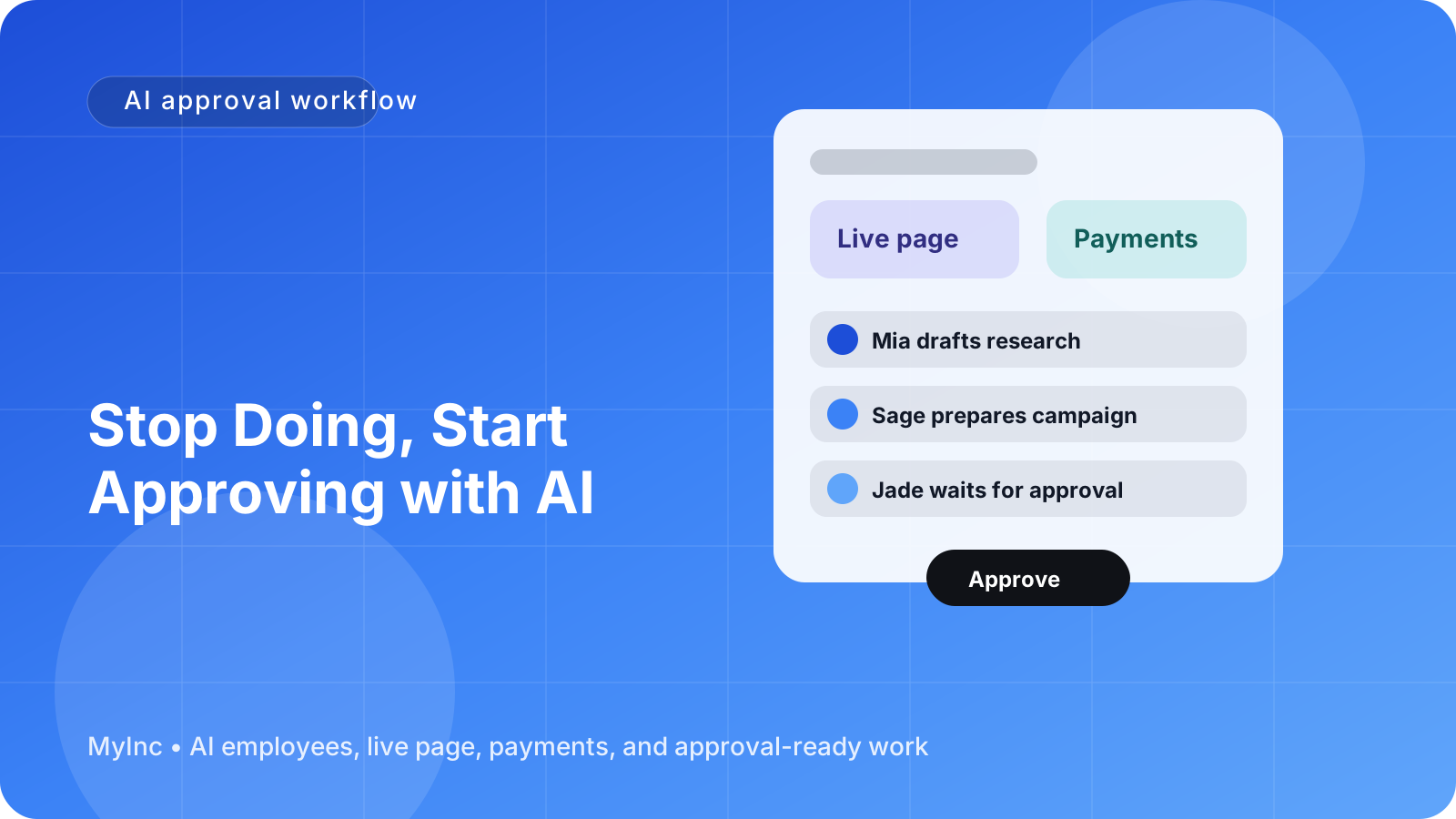
You probably do not need another productivity system. You need fewer decisions waiting for you every morning.
As a founder, you may start the day answering messages, writing social posts, following up with prospects, updating your website, and trying to remember what you promised last week. By lunchtime, the important work is still untouched. By evening, you are doing the same tasks again because nobody prepared the next step.
The obvious concern is: can you really trust AI with customer-facing work? What if it sends the wrong message, makes an unsupported claim, or uses a tone that does not sound like you?
You do not need to hand over the keys. A better approach is to stop doing every task and start approving well-prepared drafts.
Quick answer
An AI approval workflow for founders works like this:
- You give your AI team context, goals, examples, and boundaries.
- AI teammates prepare drafts, plans, research, and follow-ups.
- You review the work in one place and request changes if needed.
- Nothing outbound ships until you approve it.
- Your feedback improves future drafts and helps the AI team work more like you.
This gives you leverage without removing your judgment. AI handles the first draft and the repetitive preparation. You handle the decisions that require founder context.
The difference between doing and approving
Doing means starting from a blank page every time. You decide what to write, gather the details, format the message, check the links, and figure out the next step.
Approving means opening a prepared piece of work and deciding whether it is ready. You might change one sentence, reject the angle, add a customer detail, or approve it as written.
That distinction matters because the blank page is often the most expensive part of a task. A useful draft gives you something concrete to react to. Instead of asking, “What should I post this week?” you can ask, “Is this the right post for this week?”
An AI teammate should behave like a reliable colleague who has read your business context. It can prepare a launch checklist for a new consulting package, draft a follow-up for a prospect, turn a podcast idea into several social posts, or suggest improvements to your live business page. It should not quietly publish or send those things without your approval.
A practical AI approval workflow you can use today
1. Choose one repeating task
Do not try to delegate your entire company on day one. Pick one task that happens often and has a clear output.
Good starting points include:
- Drafting weekly customer or prospect follow-ups
- Turning your ideas into LinkedIn posts or newsletters
- Preparing a launch plan for a service, workshop, or product
- Summarizing inbound requests and suggesting replies
- Updating website copy after a change in your offer
- Creating a weekly list of priorities and next actions
For example, a freelance designer might begin with follow-up emails after discovery calls. A coach might start with weekly content drafts. A SaaS founder might ask an AI teammate to prepare launch announcements and customer education emails.
2. Write down your approval rules
Your AI team will work better when it knows what it may draft and what always requires your decision.
Create a simple list such as:
AI can prepare:
- First drafts of emails, posts, and articles
- Content variations for different audiences
- Research summaries and proposed next steps
- Meeting summaries and task lists
- Launch timelines and campaign checklists
Founder approval is required before:
- Sending an email or direct message
- Publishing a social post or article
- Changing a public offer or price
- Making a promise to a customer
- Spending money on advertising
- Committing to a deadline or partnership
These rules reduce anxiety because control is explicit. You are not hoping the AI behaves responsibly; you have designed the workflow so important actions stop at an approval gate.
3. Give the AI team useful context
AI cannot make good business decisions from a vague instruction like “write something for my company.” Give it the information a new teammate would need.
Share:
- Who you help
- The problem you solve
- Your current offers and prices
- Your preferred tone of voice
- Words or claims to avoid
- Examples of work you like
- Your current priorities
- What success looks like
You do not need a perfect brand guide. A page of plain-language notes is enough to begin. You can say, “Write like a clear, practical founder. Avoid hype. Do not promise specific results. Use short paragraphs and include one useful takeaway.”
4. Ask for a complete draft, not just an idea
A weak request asks AI for suggestions. A stronger request asks for work that is almost ready for review.
Instead of:
Give me ideas for a launch.
Try:
Prepare a launch plan for my new two-hour pricing workshop. Include the target audience, a short offer description, a seven-day content schedule, three email drafts, and a checklist of anything I need to approve before publishing. Do not send or publish anything.
The second request creates a reviewable package. You can see what the AI teammate thinks should happen, correct the assumptions, and approve the parts that fit.
5. Review in passes
You do not need to perfect every sentence immediately. Use a three-pass approval process:
Pass one: strategy. Is this aimed at the right person? Is the offer, topic, or next step correct?
Pass two: accuracy. Are the facts, prices, dates, links, and promises accurate? Is anything missing?
Pass three: voice. Does it sound like your business? Is the tone appropriate for the audience?
This is faster than writing from scratch because you are reviewing decisions in context. If the draft is fundamentally wrong, reject the direction and explain why. If it is close, make targeted edits and approve the next version.
6. Leave feedback that can be reused
Do not only say “make it better.” Explain the rule behind your change.
For example:
- “Use specific examples instead of broad claims.”
- “Our customers are usually busy operators, so lead with the time they save.”
- “Never describe the result as guaranteed.”
- “Use a direct, warm tone, not a playful one.”
- “End with one call to action, not three.”
This feedback becomes an operating system for future work. Over time, your AI team learns your preferences and needs fewer corrections. The goal is not to remove your involvement completely. The goal is to make your involvement more valuable and less repetitive.
What overnight work should look like
The best use of overnight AI work is preparation, not unsupervised publishing.
While you are away, an AI teammate can review your notes, organize open tasks, draft a response queue, prepare content options, and flag decisions that need your attention. A chief of staff-style AI agent can turn that work into a short morning brief:
- Here is what was prepared.
- Here are the decisions waiting for you.
- Here are the risks or missing details.
- Here is what can go out after approval.
Imagine starting Tuesday with three thoughtful prospect follow-ups, a draft newsletter based on your latest client lesson, a revised page section for your new service, and a launch checklist with the unanswered questions highlighted. You still decide what represents your company. You simply do not begin at zero.
A simple daily approval routine
Try this 20-minute routine for one week:
- Open your prepared work at the start of the day.
- Sort each item into approve, revise, reject, or defer.
- Add specific feedback to anything that needs revision.
- Verify names, dates, links, claims, and calls to action.
- Approve only the items that meet your standards.
- Ask your AI teammate to prepare the next step for approved work.
At the end of the week, note which tasks saved you the most time and which drafts needed repeated corrections. Improve the instructions for those tasks before expanding the workflow.
Common mistakes to avoid
The approve-don’t-do model works best when you avoid a few predictable mistakes:
- Delegating without context: AI will fill gaps with assumptions. Give it your offer, audience, and boundaries.
- Approving too quickly: A draft can sound polished and still contain a wrong date, price, or promise.
- Giving vague feedback: Specific corrections help future drafts improve.
- Starting with high-risk work: Begin with low-risk drafts before delegating sensitive customer or financial decisions.
- Allowing unclear permissions: Define exactly what can be drafted and what must wait for approval.
Control comes from good systems, not from personally touching every task.
FAQ
Does an AI approval workflow mean I still have to do all the work?
No. You still make the important decisions, but the AI team handles preparation: research, outlines, first drafts, formatting, summaries, and suggested next steps. Reviewing a complete draft is usually much faster than creating the work from nothing.
Can AI send or publish work without my permission?
It should not. For founder-controlled workflows, outbound emails, social posts, public page changes, and other customer-facing actions should wait at an explicit approval gate. Always confirm how your tools handle permissions before connecting them.
What if the AI keeps missing my tone or making the same mistake?
Give feedback as a reusable rule and provide examples of what you want. You can also narrow the task, add a checklist, or ask the AI teammate to show its assumptions before drafting. Improvement comes from better context and repeated, specific feedback.
Let your AI team prepare the work while you stay in control
The daily problem is not that founders lack ideas. It is that every idea becomes another task on the founder’s personal list. MyInc.app helps turn that list into an approval workflow.
MyInc.app’s AI team can help solve specific problems such as:
- Starting from a blank page: Your launch, marketing, and content AI teammates prepare usable drafts and plans instead of leaving you with vague suggestions.
- Work piling up overnight: A chief of staff AI agent organizes priorities and prepares the next actions while you are away.
- Fear of accidental outbound actions: Customer-facing work is drafted for your review and waits for your approval before it goes out.
You remain the decision-maker. The AI team reads your context, prepares real work, learns from your feedback, and keeps the final approval with you.
Ready to stop running your company alone? Start MyInc.app for free and let the AI team take this exact work off your plate. It gives you a chief of staff plus launch, marketing, social, and content teammates that build, draft, and prepare—while you decide what is ready to ship.