You have the idea. You may even have a name, a rough offer, and a dozen notes saved on your phone. But the business is still not live because setup keeps expanding: write the page, choose a domain, create an email address, connect payments, explain the offer, and decide what to send people.
That is how a promising idea stays stuck in draft mode.
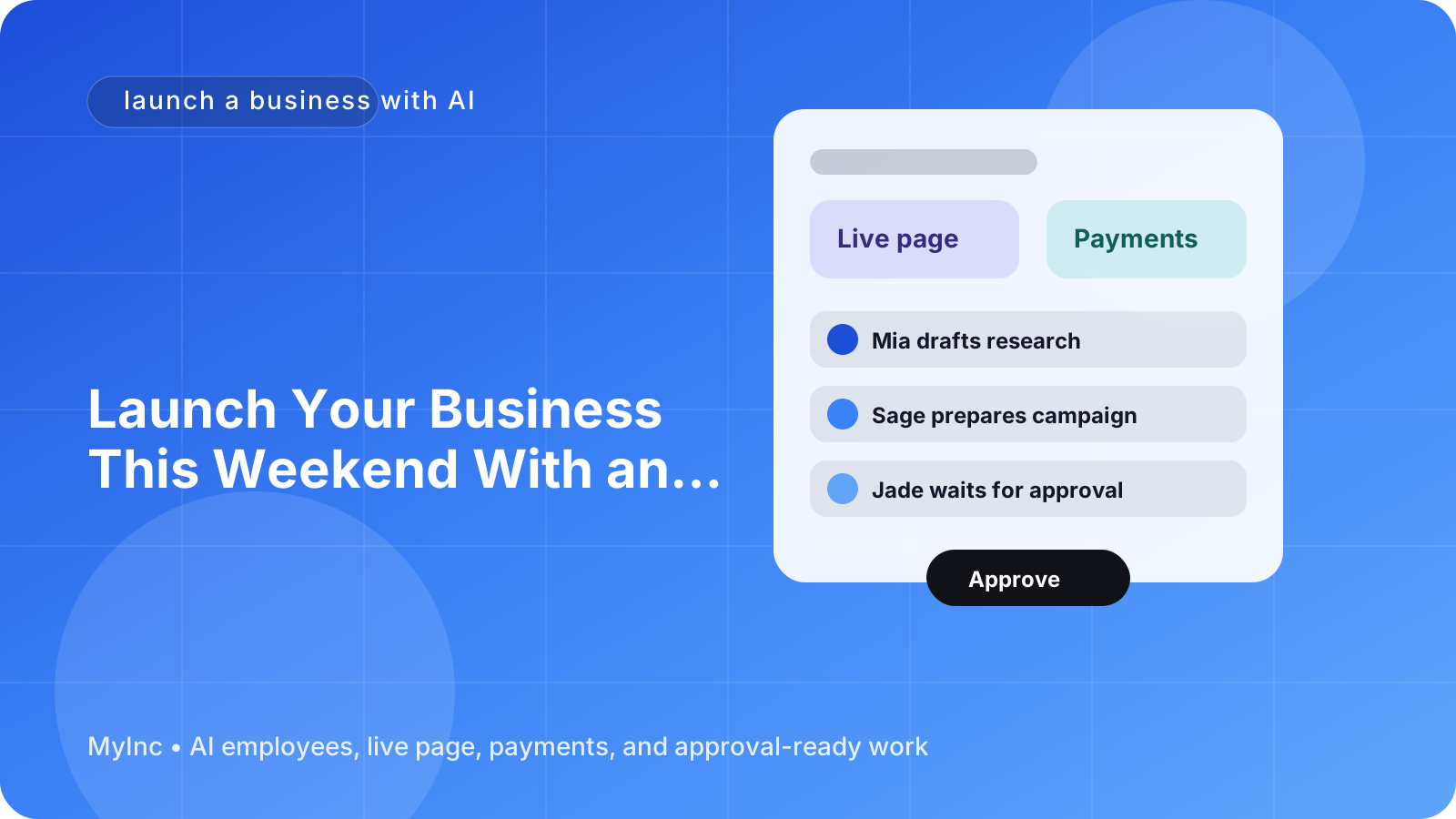
The good news is that you do not need to build every part alone. With an AI team, you can go from idea to a live, testable business in a weekend. The AI team prepares the page, business email, checkout, and first offer copy. You review the important decisions, approve the work, and make the final changes.
Quick answer
To launch a business with AI this weekend, focus on one simple outcome: make it possible for a real person to understand your offer, contact you, and pay you.
Use this workflow:
- Choose one customer and one problem.
- Turn the idea into one specific offer.
- Ask your AI team to draft your page and offer copy.
- Set up a business email and connect Stripe payments.
- Review everything for accuracy and trust.
- Publish the page and invite your first prospects.
- Learn from real replies instead of endlessly polishing the setup.
An AI team is not a button that magically creates a successful company. It is more like a group of reliable teammates who read your context, prepare real work, and wait for your approval before anything goes out.
Start with a weekend-sized business
Your first launch should be small enough to finish and useful enough to test. Do not try to create your entire future company in two days.
Choose:
- One type of customer
- One urgent or valuable problem
- One clear result
- One way to deliver that result
- One starting price or a simple way to request a quote
For example, a consultant might offer a 90-minute pricing review for independent agencies. A designer might offer a fixed-price landing page audit. A creator might sell a small workshop for people learning video editing. A local service business might offer a weekend home-office setup consultation.
The first offer does not need to be perfect. It needs to be specific enough that someone can say, “That is for me.”
Write down these five answers before asking your AI team to help:
- Who is this for?
- What problem are they trying to solve?
- What exactly will they receive?
- How long will it take?
- What should they do next?
This short brief gives your AI teammate useful context instead of asking it to invent a business from nothing.
Friday evening: turn the idea into a clear offer
Start by describing your business in plain language. Include what you know about the customer, the problem, your experience, the delivery method, and any boundaries.
A useful prompt might look like this:
I want to help independent consultants who have inconsistent leads. My first offer is a two-week outreach system that includes a positioning call, 20 personalized prospect messages, and a follow-up template. I have experience in B2B sales. Draft three versions of this offer for my review: practical, premium, and beginner-friendly. Do not make claims I have not provided.
Ask the AI teammate to return:
- A one-sentence description
- A short headline
- Three benefits
- What is included and not included
- A suggested starting price
- Five questions a prospect may ask
- A clear call to action
Do not accept every suggestion automatically. Check whether the language sounds like you and whether the promise is something you can actually deliver. Your job is to provide judgment, facts, and approval. The AI teammate’s job is to help turn those inputs into usable drafts quickly.
Saturday morning: generate your live page
Your first page only needs to answer the questions a potential customer has before taking the next step. A simple structure works for almost any business:
- Headline: Say who you help and what result you provide.
- Problem: Show that you understand the customer’s situation.
- Offer: Explain exactly what the customer receives.
- Process: Describe what happens after they buy or contact you.
- Proof: Add experience, examples, testimonials, or a transparent note if you are new.
- Price or next step: Make the action obvious.
- FAQ: Address timing, fit, refunds, and common concerns.
- Call to action: Tell people whether to pay, book, or send an inquiry.
For example, instead of “Helping businesses grow online,” a stronger headline might be: “A practical 30-day content plan for independent consultants who need more qualified conversations.”
Ask your AI team to create the first version of the page using the offer brief. Then review it line by line. Remove vague claims, unsupported statistics, excessive jargon, and promises that create delivery problems.
Make sure the page has one primary action. If you offer both a paid session and a newsletter, decide which one matters for this launch. Too many choices make a new business feel unfinished.
Saturday afternoon: set up your business email
A professional email address makes it easier for prospects to trust and remember you. It also separates customer conversations from personal messages.
Use an address that is easy to understand, such as [email protected], [email protected], or [email protected]. Avoid addresses that are difficult to spell or tied to an old project.
Prepare three basic messages:
- Welcome or confirmation: Explain what happens after someone submits a form or pays.
- Question reply: Give a helpful response to the most common pre-sale question.
- Follow-up: Remind an interested person of the next step without sounding pushy.
Your AI teammate can draft these messages from your offer details. You should verify every practical detail, including your availability, response time, meeting links, refund policy, and delivery dates.
If the business email is connected to your live page, test it yourself. Send a message from a different address and confirm that the notification arrives, the reply goes to the right inbox, and the wording makes sense on mobile.
Saturday evening: connect Stripe payments
Payment setup is where an idea becomes a real business. You do not need a complicated product catalog or a large checkout flow. Start with one product, service, deposit, or paid consultation.
Before publishing your Stripe checkout, decide:
- The exact name of the offer
- The price and currency
- What the customer receives
- When delivery starts
- Whether taxes or additional fees apply
- Your cancellation and refund terms
- The email customers receive after payment
Ask your AI team to turn the offer brief into checkout copy and a payment confirmation message. Then compare the checkout details with your actual ability to deliver. A polished payment page is not helpful if the customer is unclear about what happens next.
Complete a test purchase if your setup allows it. Check the amount, confirmation page, email receipt, and internal notification. Think like a first-time customer who knows nothing about your business.
Sunday: review, publish, and invite people
Set aside a final review block before you share the page. Use this checklist:
- The headline clearly identifies the customer and outcome.
- The offer says exactly what is included.
- The price or contact action is easy to find.
- The business email works.
- The Stripe checkout shows the correct offer and price.
- Customers know what happens after they pay.
- The page works on a phone.
- Links, forms, and payment buttons have been tested.
- Claims are accurate and easy to support.
- The next step is visible without scrolling endlessly.
Then publish. Send the page to five people who match your audience, or share it in one relevant community where promotion is welcome. Ask a simple question: “What part of this offer is unclear?” Their answers are more valuable than another six hours of private editing.
Your first weekend launch is a learning system, not a final exam. Keep a short list of questions, objections, and phrases people use. Your AI team can turn that feedback into a clearer page, improved FAQ, follow-up emails, and a better second version of the offer.
What an AI team actually does
If you have never used AI to run business tasks, start with a simple mental model. An AI agent is a teammate that works from the information you provide. It can organize your ideas, draft copy, prepare setup tasks, and suggest next steps. It should not silently publish important changes or make promises on your behalf.
Give the team:
- Your audience and offer details
- Your preferred tone
- Your prices and policies
- Examples of writing you like
- Your launch deadline
- A clear definition of what requires your approval
Then ask for work in stages. For example: “Draft the page first. Wait for my approval before creating the email and checkout copy.” This keeps you in control and makes mistakes easier to catch.
FAQ
Can I launch a business with AI if I do not have a finished brand?
Yes. Start with a clear name, a readable page, and a useful offer. A logo, full brand guide, and elaborate design system can come later. Your first goal is to test whether people understand and want what you are offering.
Do I need to automate everything before launch?
No. Automate the repetitive setup that saves time, but keep important decisions and customer promises under your review. A simple page, business email, and one Stripe checkout are enough to begin learning.
What if I am not sure what to charge?
Ask your AI teammate to suggest a few pricing options based on the customer, result, delivery time, and your experience. Treat those as starting points, not facts. Choose a price you can explain and deliver against, then adjust after real conversations.
Launch with an AI team in your corner
The hardest part of launching is often not the idea. It is the pile of small setup tasks that keeps you from putting the idea in front of real people.
MyInc.app is designed to remove that pile. Its AI team can help you solve three common weekend-launch problems:
- A blank page: The team turns your idea and offer details into a live founder page with clear messaging.
- Scattered communication: It helps set up a professional business email and draft the first customer messages.
- A launch with no way to get paid: It connects Stripe payments and prepares checkout and confirmation copy for your approval.
You still decide what your business promises, what it charges, and when it goes live. Your AI teammates prepare the work, while you review and approve it.
Ready to stop letting setup work delay your idea? Start MyInc.app for free and let the AI team take this exact work off your plate—your page, business email, Stripe checkout, and first offer copy—so you can launch this weekend and start learning from real customers.