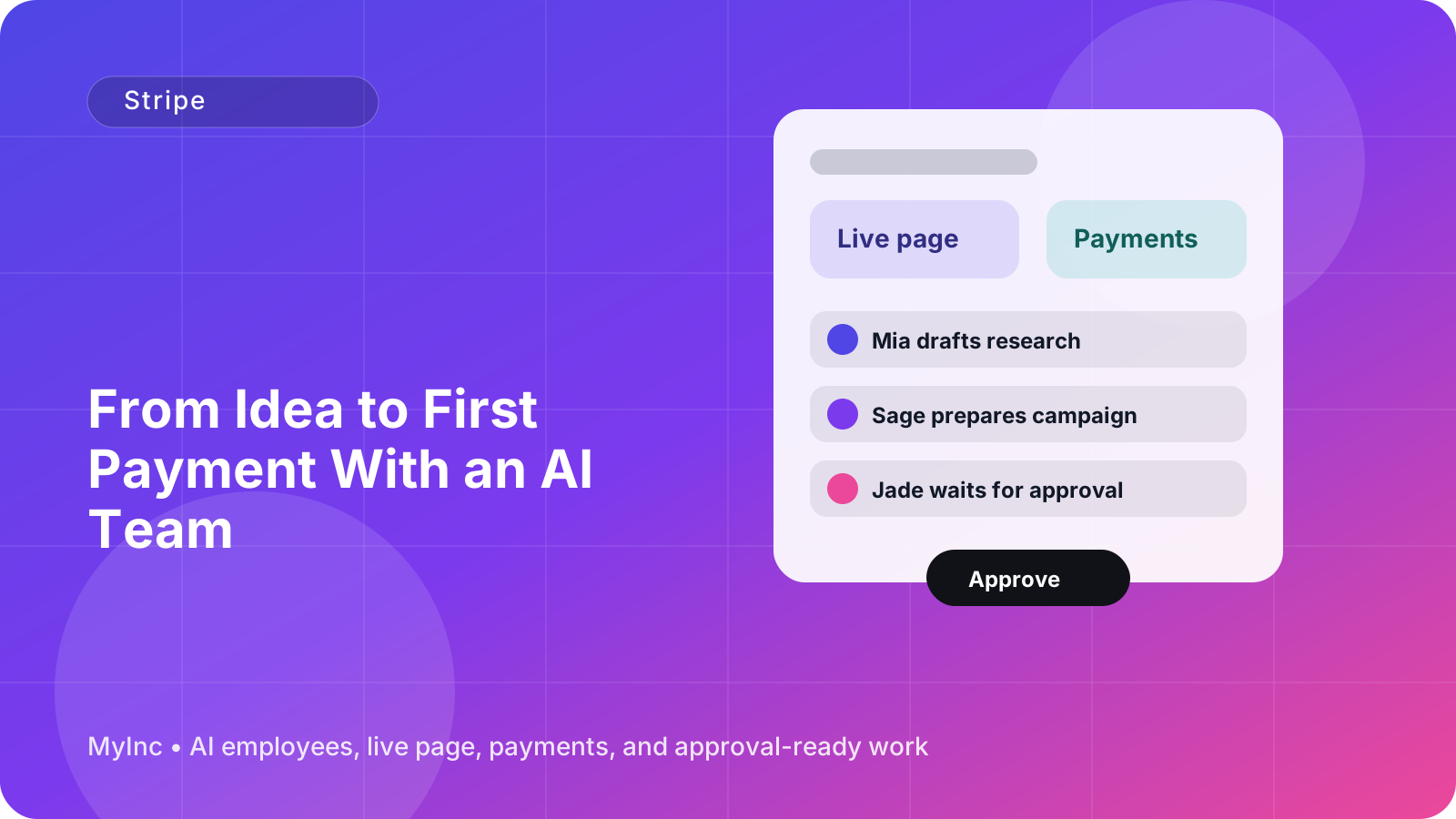
You have a useful idea, a service you know people need, or a product you are ready to sell. But when it is time to ask someone for money, the business suddenly feels much more complicated.
You need to choose a price, explain what is included, create a payment account, connect it to something customers can click, and make sure the confirmation message sounds professional. If you have never sold online before, even the first step can feel like a technical project.
That is where an AI team can help. Instead of trying to figure out your offer, Stripe setup, checkout copy, and customer follow-up alone, you can give an AI teammate the context and ask it to prepare the work for your approval.
Quick answer
To set up online payments with AI, use this simple workflow:
- Describe what you sell, who it helps, and the result customers want.
- Ask an AI teammate to turn that idea into one clear first offer.
- Have it suggest a price, payment terms, and plain-language offer copy.
- Connect or configure Stripe and create a checkout link for that offer.
- Review the checkout, confirmation, and customer instructions yourself.
- Share the link with a small group of potential customers and improve it from real questions.
The goal is not to build a perfect sales system on day one. The goal is to make one clear offer easy to understand and easy to pay for.
Start with one offer, not your entire business
A common mistake is trying to configure payments for every possible service, package, subscription, or product before you have made a first sale. That creates decisions without creating momentum.
Choose one offer that is simple to explain and deliver. For example:
- A freelance designer could sell a $500 landing page audit with a written action plan.
- A consultant could sell a 90-minute strategy session for $250.
- A coach could sell a four-week beginner program for $600.
- A local service business could sell a fixed-price home consultation.
- A creator could sell a workshop, template bundle, or paid membership.
- A small software company could offer a clearly defined setup package alongside its product.
Your first offer should answer four questions:
- Who is it for?
- What problem does it solve?
- What exactly does the customer receive?
- What happens after payment?
If a customer has to ask what they are buying, how long it takes, or whether the offer is right for them, the payment page is not ready yet. Clear offer framing reduces hesitation more effectively than adding more features or more design.
Give your AI teammate useful context
An AI team is most useful when it understands your business instead of receiving a vague request such as “help me sell something.” Start with a short business brief. It can include:
- Your business name and what you do
- Your ideal customer
- The problem you solve
- Your proposed offer
- Your experience or proof
- Your price range
- Your delivery timeline
- Your refund or cancellation preferences
- Your contact email
- Any words or claims you want to avoid
You do not need a polished business plan. A few honest paragraphs are enough. You can say, “I help independent consultants turn rough ideas into a clear website. I want to sell a two-week messaging package to founders who are preparing to launch. I can take three clients this month.”
Your AI teammate can then ask sensible follow-up questions, identify missing details, and turn your rough description into customer-facing copy. Think of it like working with a reliable teammate who reads your context, prepares real work, and waits for your approval before anything goes out.
Ask the AI team to frame the first offer
Before creating a Stripe product or payment link, ask the AI team to prepare three versions of the offer. For each version, request:
- A short name
- A one-sentence promise
- What is included
- The delivery timeline
- The price and payment structure
- Who it is for and who it is not for
- A short call to action
This helps you compare a focused offer with a broader one. For example, “Business consulting” is difficult to buy. “A 90-minute pricing review with a written three-step plan delivered within 48 hours” is much clearer.
Ask the AI teammate to avoid exaggerated promises. “Get a clear next-step plan” is credible. “Double your revenue in one week” is usually not. Your payment page should make the customer feel informed, not pressured.
For a first offer, consider one of these payment structures:
- One-time payment: Best for a defined service, workshop, audit, or product.
- Deposit: Useful when work starts after an initial booking and the final balance comes later.
- Subscription: Appropriate only when customers receive ongoing value each billing period.
- Payment plan: Helpful for a larger fixed project, as long as the schedule and cancellation terms are explicit.
If you are uncertain, a one-time payment is often the easiest place to start. It gives you a clean checkout and lets you learn what customers value before creating a more complex pricing model.
Set up Stripe with an AI-assisted checklist
Stripe handles the payment transaction, but there are still important business details to complete. An AI teammate can organize the setup and prepare the wording, while you confirm sensitive information and approve the final configuration.
Use this checklist:
1. Create or connect your Stripe account
Use your legal business details, payout information, and contact information. Stripe may request identity or business verification. Complete those steps directly in Stripe and check that your payout bank account is correct.
2. Create the product and price
Use a product name that matches the offer a customer saw elsewhere. Set the amount, currency, and whether the payment is one-time or recurring. If you are collecting tax or using invoices, confirm the relevant settings for your location and business.
3. Add a clear description
The description should quickly explain what the customer is paying for. Include the outcome, deliverables, timing, and any important limits. Do not hide key terms in a long paragraph.
4. Prepare the checkout link
A checkout link gives you a practical way to accept payment without building a full website or custom checkout. Test the link on both a phone and a computer. Check the name, price, currency, email field, and payment button before sharing it.
5. Write the confirmation experience
A successful payment should lead to a clear next step. Tell the customer what happens now, when they will hear from you, and where to ask questions. If you need an intake form or scheduling link, include it in the confirmation instructions.
An AI teammate can draft each of these pieces, but you should personally review price, legal terms, refund language, and any financial settings. AI can prepare the work; you remain responsible for approving what customers see and what your business promises.
Use payment confirmations to build trust
A payment confirmation is more than a receipt. It is the first moment after a customer says yes, so use it to reduce uncertainty.
A useful confirmation includes:
- A thank-you message
- The offer name and amount paid
- What the customer purchased
- The next action they need to take
- When you will respond or deliver
- Your support email
- Any scheduling or onboarding link
For example:
Thanks for booking the Launch Messaging Review. Your payment is confirmed. Please complete this short intake form so we can review your current offer. You will receive your written recommendations by Friday. If you have questions, reply to this email at [email protected].
Ask your AI content teammate to draft the confirmation email, receipt note, onboarding message, and reminder email in one batch. That creates a more consistent customer experience than writing each message in a hurry after the first payment arrives.
A first-payment workflow you can follow today
Set aside 60 to 90 minutes and work through this sequence:
- Write the business brief. Explain your customer, problem, offer, delivery, and current price idea in plain language.
- Choose one offer. Remove optional extras and make the result specific.
- Ask for offer drafts. Have an AI teammate produce the name, promise, inclusions, terms, and call to action.
- Choose the simplest price model. Start with one-time payment unless your business genuinely requires recurring billing.
- Configure Stripe. Create the product and price, then check your payout and business details.
- Prepare the checkout link. Add the approved copy and test the entire payment flow.
- Prepare confirmation messages. Include the next step, timing, and support contact.
- Run a final approval check. Confirm the amount, currency, delivery promise, refund terms, and customer instructions.
- Share it with ten relevant people. Use personal outreach, your live page, email, or social posts. Ask what is unclear rather than asking only whether they “like” it.
- Improve after real conversations. Update the offer based on repeated questions, not guesses.
This process keeps you moving without skipping important details. You do not need a complicated funnel, a large audience, or a custom application to accept a first payment.
Common mistakes to avoid
- Offering too many packages at once
- Using a vague product name such as “consulting” or “premium support”
- Hiding the delivery timeline
- Forgetting to explain what happens after payment
- Sharing an untested checkout link
- Using a recurring subscription when the value is actually a one-time project
- Making promises your current process cannot reliably deliver
- Letting AI publish pricing or payment terms without your review
The best use of AI here is not handing over judgment. It is removing the blank page, organizing the decisions, and preparing the repetitive work so you can make the final call quickly.
FAQ
Can AI create a Stripe account for me?
An AI team can guide the setup, organize the information, prepare product and price details, and draft the checkout copy. You should complete identity verification, banking details, and other sensitive account steps yourself, then approve the final configuration.
Do I need a website before I can accept a payment?
No. A clear offer and a Stripe checkout link can be enough to get started. A simple live page can add context and trust, but you do not need to build a large website before testing whether people will pay for your offer.
Should my first offer be a subscription?
Only if customers receive continuing value and understand the recurring charge. For many first-time sellers, a one-time service, workshop, product, or deposit is easier to explain, deliver, and validate.
Let your AI team handle the payment setup work
The difficult part of getting paid online is rarely clicking the Stripe buttons. It is turning an unfinished idea into a clear offer, keeping the details consistent, and following up professionally after someone pays. MyInc.app’s AI team helps with exactly those tasks.
MyInc.app can help you solve three common problems:
- A vague first offer: Your chief of staff and marketing AI teammates can turn your idea into focused pricing, positioning, and offer copy.
- A confusing payment setup: The team can organize the Stripe product, price, checkout link, and key settings into a reviewable workflow.
- Unfinished customer follow-up: A content AI teammate can draft payment confirmations, onboarding instructions, and next-step emails so customers know what happens after checkout.
You stay in control. MyInc.app gives you a chief of staff plus launch, marketing, social, and content AI teammates that read your context, prepare the work, and wait for your approval before anything goes out.
Start MyInc.app for free at myinc.app and let the AI team take this exact work off your plate—from shaping your first offer to preparing Stripe checkout and the confirmation your first customer receives.