You have a useful idea, a skill people need, or a service you are ready to sell. But when it is time to actually ask someone for money, the momentum stops.
What should the offer include? How much should you charge? Which Stripe settings matter? Where does the checkout link go? What should the customer see after paying?
These questions can make a simple first sale feel like a technical project. Many founders spend days tweaking a website and payment settings instead of giving one clear offer to one real customer.
The good news is that you do not have to solve every piece alone. An AI team can help turn your idea into a clear offer, prepare the payment experience, and give you a short list of decisions to approve.
Quick answer
To set up online payments with AI, use an AI team to:
- Define one specific first offer and its price.
- Gather the business details needed for Stripe.
- Prepare your product or service description, checkout copy, and payment confirmation.
- Create or configure a Stripe payment link after you connect and authorize your account.
- Test the customer journey before sharing the link.
- Send the offer to a small, relevant group and improve it from real feedback.
The AI should prepare the work, not quietly make sensitive financial decisions for you. You approve the offer, price, payment settings, and final customer-facing messages before anything goes live.
Start with one offer, not a whole business catalog
Your first payment usually comes faster when you sell one clear outcome. Do not begin by building five packages, a membership, a full course, and a long sales page.
Choose an offer that answers three questions:
- Who is it for?
- What problem does it solve?
- What does the customer receive, and when?
For example:
- A consultant might sell a 60-minute website review with a written action plan for $150.
- A designer might sell a fixed-price logo starter package for $500.
- A coach might offer four weekly career sessions for $400.
- A local service business might take a $75 deposit for an appointment.
- A creator might sell a small workshop with a recording and worksheet for $29.
- A software founder might offer a paid setup session alongside early access to the product.
The goal is not to find the perfect price forever. The goal is to make a reasonable first offer that a real person can understand and buy.
Ask your AI teammate to turn your rough idea into three versions: a simple offer, a higher-value version, and a short description suitable for a checkout page. Compare them yourself. Keep the version that is easiest to explain honestly.
What an AI team can do before Stripe setup
If you have never sold online, Stripe can feel intimidating because it asks for business information, identity details, payout information, tax settings, and customer-facing descriptions. An AI teammate can make the process less confusing by preparing the information and explaining what each step is for.
Give the AI team context such as:
- Your business name and location
- What you sell
- Whether it is a one-time payment or subscription
- Your expected price and currency
- How customers receive the service or product
- Your refund or cancellation approach
- Your support email
- Any delivery timeline or booking instructions
The AI can then prepare a Stripe setup checklist. It can draft a concise business description, a product name, a price description, refund language, and a short explanation of how customers receive what they purchased.
You still need to enter or confirm private information, connect your bank account, complete identity verification, and accept Stripe's terms. Never give an AI agent passwords, one-time codes, or private banking credentials. The useful division of labor is simple: the AI prepares the decisions and copy; you control account access and approve the final settings.
A practical first-payment workflow
Here is a workflow you can follow today.
Step 1: Describe the idea in plain language
Write five sentences:
- I help [type of customer].
- They are struggling with [specific problem].
- I will provide [deliverable or service].
- They will receive it by [date, timing, or delivery method].
- I think a fair starting price is [amount].
Do not worry about polished marketing language. Clear context is more valuable than clever wording.
Step 2: Ask the AI team to challenge the offer
Ask questions such as:
- Is this offer specific enough for a first-time buyer?
- What might make a customer hesitate?
- What is included and excluded?
- What price options are reasonable for this audience?
- What information must be clear before payment?
Have the AI produce a short offer brief with the audience, outcome, scope, price, delivery timing, support terms, and refund policy. Read it as a customer would. If you cannot explain the offer in one breath, simplify it.
Step 3: Prepare Stripe details
Ask for a Stripe-ready checklist and draft copy for:
- Product or service name
- One-sentence description
- Full checkout description
- Price and billing interval
- Tax or invoice questions to verify
- Refund and cancellation terms
- Customer support contact
- Delivery or appointment instructions
Stripe's exact requirements can vary by country and business type, so treat the AI's checklist as preparation, not legal or tax advice. Confirm anything involving taxes, regulated services, or unusual payment terms with the right professional.
Step 4: Create the checkout link
Connect your Stripe account through the approved setup flow. Then have your AI team prepare the payment link or checkout configuration for your chosen offer. Review the amount, currency, payment frequency, customer information fields, and post-payment destination.
For a first sale, a payment link is often enough. You may not need a custom website, shopping cart, or complicated funnel. A consultant can send the link after a discovery call. A creator can place it in a newsletter. A service business can text it after confirming an appointment.
Step 5: Write the payment confirmation
A payment should not end with a generic receipt and silence. Prepare a confirmation that answers:
- Did the payment go through?
- What happens next?
- When will the customer hear from you?
- How can they ask a question?
Example:
Thanks for booking your website review. Your payment is confirmed. Please reply with your current website URL and your top three questions. I will send your review and action plan within five business days. If you need help, email [email protected].
Your AI teammate can also draft the confirmation email, onboarding form, calendar invitation, or delivery checklist that follows the payment.
Step 6: Test before sharing
Make a short test checklist:
- Open the checkout link on a phone.
- Confirm the name, price, and currency are correct.
- Check that the payment button and form work.
- Review the confirmation page and email.
- Confirm you know where the payment appears in Stripe.
- Check that the customer receives the next-step instructions.
- Verify that the offer still matches what you plan to deliver.
If possible, use Stripe's test mode or a small real transaction according to Stripe's guidance. Do not send a broken or unfinished link to your first prospect.
How to use AI without losing control
A reliable AI teammate should read your business context, draft real work, and wait for your approval before anything goes out. That makes it useful for execution without turning over your judgment.
Set these rules from the beginning:
- The AI may draft offers, copy, checklists, and customer messages.
- You approve prices, refunds, subscriptions, and public claims.
- You authorize account connections and review financial settings.
- The AI must flag uncertainty instead of guessing.
- No checkout link or customer message is shared until you approve it.
This review step is especially important for payments. A fast setup is valuable, but a clear and trustworthy setup is what protects your customer relationship.
Common mistakes to avoid
- Selling too many things at once: Start with one offer and one checkout path.
- Hiding the delivery details: State exactly what the buyer gets and when.
- Choosing a price without checking scope: Make sure the price matches your time and costs.
- Skipping the confirmation message: Customers need to know what happens next.
- Treating Stripe as the whole sales process: Payment is one step; fulfillment and support matter too.
- Letting AI invent policies: Review refund, cancellation, tax, and delivery language yourself.
FAQ
Do I need a website before accepting my first payment?
No. For many first offers, a Stripe payment link plus a clear message is enough. You can share it by email, text, social media, a proposal, or a booking conversation. Add a full website when it helps your business, not because you think it is required for one first sale.
Can an AI agent open and manage my Stripe account for me?
An AI team can prepare the setup, explain the decisions, draft your payment copy, and help configure an approved payment flow. You should personally handle sensitive credentials, identity verification, bank details, and final financial approval. Keep control of access and review every setting before launch.
What if I do not know what to charge?
Ask the AI team to create a few pricing options based on your audience, the value of the outcome, your delivery time, and comparable alternatives. Choose a test price that is sustainable and easy to explain. Your first payment is feedback, not a permanent verdict on your business.
Let your AI team handle the setup work
Getting paid online involves more than turning on a payment button. Founders often get stuck on three problems: turning a vague idea into a buyable offer, translating that offer into Stripe-ready details, and preparing the checkout and follow-up messages customers need.
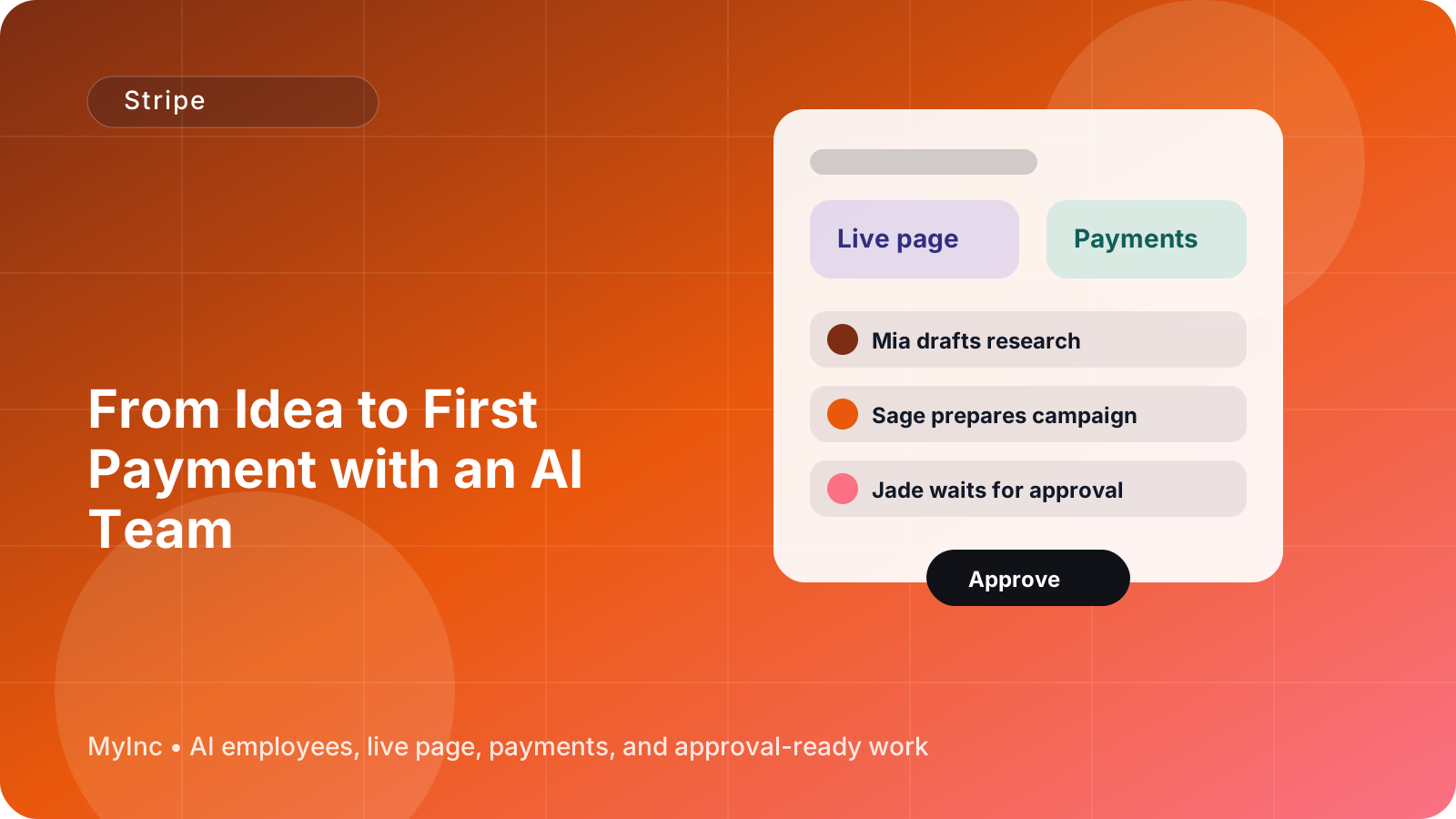
MyInc.app's AI team helps with all three. A chief of staff can organize the decisions and keep the setup moving. Launch and marketing AI teammates can shape the offer and pricing copy. A content teammate can draft the checkout description, payment confirmation, and customer follow-up. MyInc.app gives you a live page, business email, and Stripe payments in one founder-focused platform, while keeping you in control of approvals.
Start MyInc.app for free and let the AI team take this exact work off your plate: turn your idea into a first offer, prepare the Stripe payment flow, and get you ready to accept your first payment.