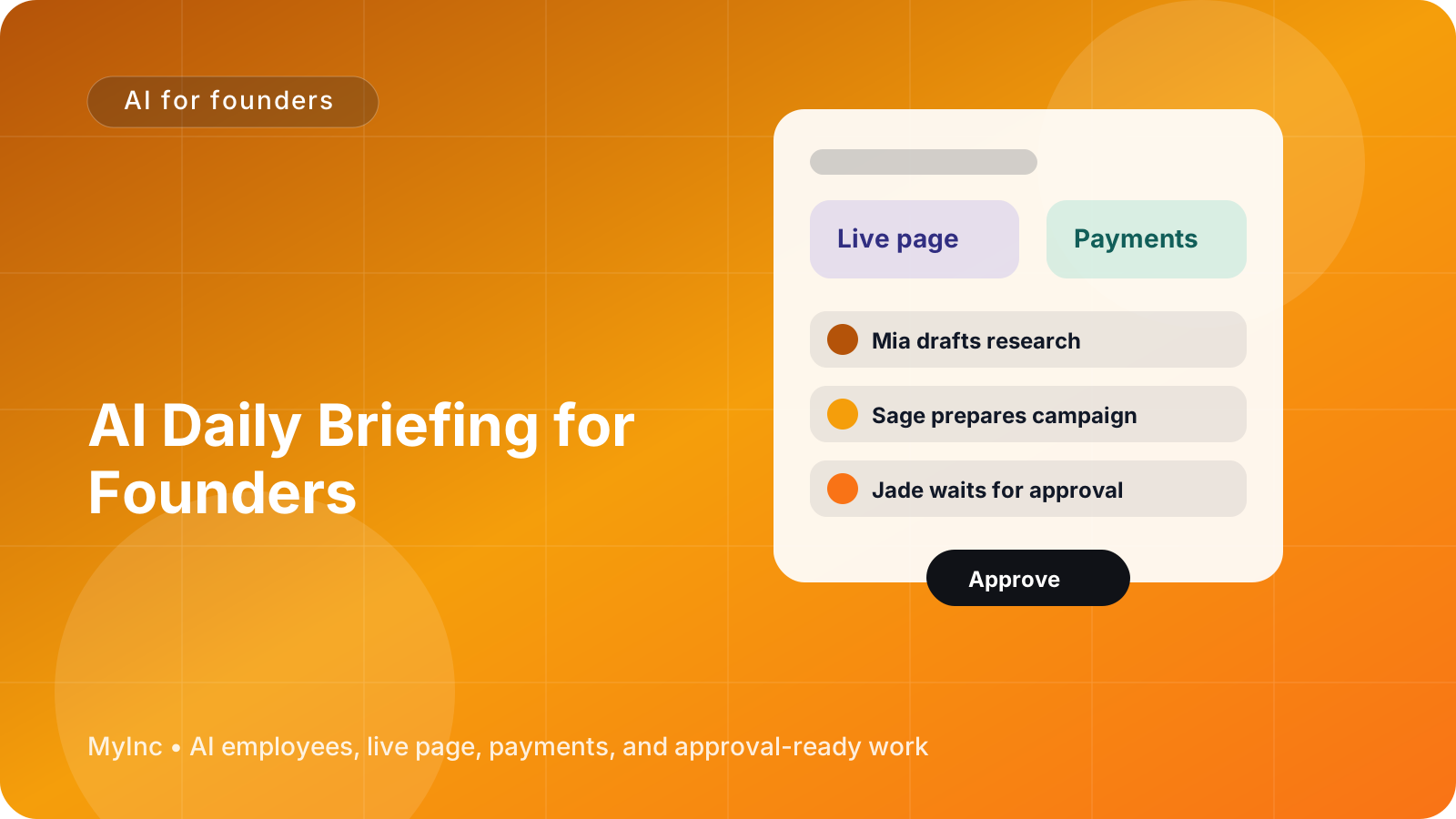
You know the feeling: it is 8:12 a.m., your coffee is getting cold, and you are already switching between email, payments, project documents, analytics, social messages, and your calendar. You are not doing important founder work yet. You are just trying to reconstruct what happened while you were asleep.
The problem is not a lack of information. It is too much scattered information, with no clear answer to three basic questions:
- What happened overnight?
- What needs my attention today?
- What can wait until later?
An AI daily briefing for founders can turn that scattered activity into a short, useful morning summary. Instead of checking every tool yourself, an AI teammate reviews the relevant context, explains what changed, and prepares a focused queue for your approval.
Quick answer
A useful founder briefing should have four parts:
- Overnight recap: important emails, payments, customer messages, project updates, and other changes.
- Needs-you queue: decisions, replies, approvals, and risks that only you can handle.
- Pending approvals: drafts or actions prepared by your AI team but not sent or published.
- Next-step suggestions: the three or four actions most likely to move the business forward today.
The goal is not another dashboard. It is a plain-language note that helps you decide what to do first.
What a real morning briefing looks like
Imagine you run a small consulting business. While you were offline, your AI teammate reviewed your business email, payment activity, project notes, and task list. Your briefing might look like this:
Overnight recap
- A prospective client replied to your proposal and asked whether you can start next Monday.
- The latest invoice was paid by an existing client.
- A project document received comments from the client, including one request that changes the timeline.
- Your newsletter draft is ready for review.
- A social post about your new service received several questions.
Needs you
- Confirm whether you can meet the prospective client's proposed start date.
- Decide whether the timeline change requires a revised quote.
- Reply to a customer asking about your service area.
Pending approvals
- Draft response to the prospective client.
- Revised project timeline for your approval.
- Newsletter draft with a suggested subject line.
- Short replies to the social media questions.
Suggested next steps
- Answer the prospective client's start-date question before 10 a.m.
- Review the timeline change and decide whether to charge for the additional work.
- Approve the newsletter so it can go out this afternoon.
That is far more useful than a list of 47 notifications. It gives you context, separates decisions from routine work, and turns the morning into a short approval session.
The same structure works for an indie hacker, creator, agency owner, coach, local service business, or nonprofit founder. A creator may see sponsorship emails, audience questions, and a video draft. An agency founder may see project risks, invoices, and client approvals. A software founder may see trial activity, support issues, product feedback, and a release waiting for approval.
How an AI teammate creates the briefing
If you have never used AI to run business operations, think of an AI teammate as a reliable assistant that follows your context and instructions. It can read the information you make available, connect related updates, draft real work, and wait for your approval before anything goes out.
A good briefing process has five steps.
1. Gather the right sources
Start with the tools that contain decisions and changes, not every tool you use. Common sources include:
- Business email and customer messages
- Payment or invoice activity
- Your calendar and deadlines
- Project notes and task lists
- Website or landing-page activity
- Support conversations
- Content and marketing drafts
You do not need to connect everything on day one. Begin with the sources you check most often in the morning.
2. Set a clear definition of “important”
Tell your AI teammate what deserves attention. For example:
- A customer is waiting for a reply
- A payment failed or a refund was requested
- A deadline is within three days
- A prospect is ready to make a decision
- A project is blocked
- A draft needs your approval
- A message could affect revenue or reputation
This prevents the briefing from becoming a generic summary. You want business consequences, not a transcript of activity.
3. Ask for a fixed format
Use the same sections every day: overnight recap, needs you, pending approvals, risks, and suggested next steps. A consistent format makes it easier to scan the briefing quickly and notice what changed.
You can also set limits, such as “show no more than five needs-you items” or “put urgent issues first.” If nothing requires action, the briefing should say that clearly instead of inventing work.
4. Separate drafts from completed actions
This is essential. Your AI team can prepare a reply, a social post, a project update, or a payment follow-up, but you should know exactly what is only a draft and what has already happened.
Use labels such as:
- Ready for approval: drafted but not sent
- Scheduled: approved and set for a later time
- Completed: already sent, paid, or published
- Waiting on someone else: blocked until a customer, partner, or teammate responds
This gives you control without forcing you to do all the preparation yourself.
5. End with decisions, not just information
The most valuable part of a briefing is often the final section: “Today’s decisions.” Ask your AI teammate to turn vague updates into specific choices.
For example, instead of saying “The client requested more revisions,” it should say: “Choose one: include two additional revisions in the current scope, or send a change-order estimate for $500.”
You still make the decision. The AI teammate simply does the research and preparation needed to make that decision faster.
A workflow you can use today
You can create a basic briefing process in under an hour.
Step 1: Write down your morning tabs. List the apps and inboxes you normally check. Then mark each one as revenue, customers, delivery, marketing, or planning.
Step 2: Choose your top three signals. For example, new customer requests, money received or at risk, and deadlines within the next seven days.
Step 3: Create your needs-you rules. Decide what must be escalated immediately and what can be grouped into a later section.
Step 4: Define your approval boundary. Tell the AI teammate what it may prepare and what always requires your approval. A sensible starting rule is: draft freely, send nothing, publish nothing, and change no customer-facing information without permission.
Step 5: Request next-step suggestions. Ask for no more than three actions, each with a reason and a suggested deadline.
Step 6: Review it at the same time every morning. Spend 10 minutes approving, delegating, or postponing items. If the briefing is too long, remove low-value information rather than adding more detail.
At the end of the week, review which items were genuinely useful. Adjust the rules so the briefing becomes more specific to your business.
Common mistakes to avoid
A daily briefing fails when it tries to report everything. Keep it focused on change, consequence, and action.
Avoid these habits:
- Including every notification instead of meaningful updates
- Mixing completed work with pending decisions
- Giving five different “top priorities”
- Asking for summaries without telling the AI what matters
- Allowing automatic sending before you trust the workflow
- Treating suggested next steps as mandatory instructions
The best briefing makes your business feel smaller and clearer. It should reduce tab switching, not become one more tab.
FAQ
Is an AI daily briefing only useful for software or online businesses?
No. Any founder who manages customers, projects, payments, appointments, content, or follow-ups can use one. A consultant might track proposals and deliverables, while a local service business might track booking requests, invoices, and customer questions.
Can an AI teammate send messages automatically?
It can prepare drafts and recommend actions, but you should set an approval boundary. For customer-facing messages, marketing content, refunds, pricing changes, and other sensitive actions, the safest workflow is for the AI teammate to wait until you approve.
What if there is nothing important to report?
That is useful information. A good briefing can say that no urgent decisions are waiting and then show the next scheduled item. The purpose is clarity, not filling the page with activity.
Start each day with fewer tabs
Building this workflow yourself can take time because you have to connect sources, define rules, maintain templates, and keep track of drafts. MyInc.app is designed to make that founder routine easier.
MyInc.app’s AI team can help solve three daily problems:
- Scattered overnight updates: a chief of staff AI teammate can organize relevant business activity into one morning briefing.
- Unclear priorities: the AI team can separate what happened from what needs you and suggest practical next steps.
- Approval bottlenecks: launch, marketing, social, and content AI teammates can prepare replies, campaigns, updates, and drafts while clearly waiting for your approval before anything goes out.
The team can also work from your live page, business email, and payment activity, so the briefing is connected to the real work of your company rather than a generic checklist.
Ready to stop running your company alone? Start MyInc.app for free and let the AI team take this exact work off your plate. You get a chief of staff plus launch, marketing, social, and content teammates that build the work, organize your morning, and keep you in control.