You probably spend too much of your day doing work that is important, but not uniquely yours: replying to routine emails, turning rough ideas into posts, writing launch copy, following up with leads, and organizing the next steps.
At the same time, handing those tasks completely to AI can feel risky. What if it makes a promise you cannot keep? What if the tone sounds wrong? What if it sends something before you have checked it?
There is a practical middle ground: stop doing every task from scratch and start approving well-prepared work.
Quick answer
An AI approval workflow for founders works like this:
- You give an AI team your business context, goals, examples, and boundaries.
- AI teammates research, organize, and draft the work.
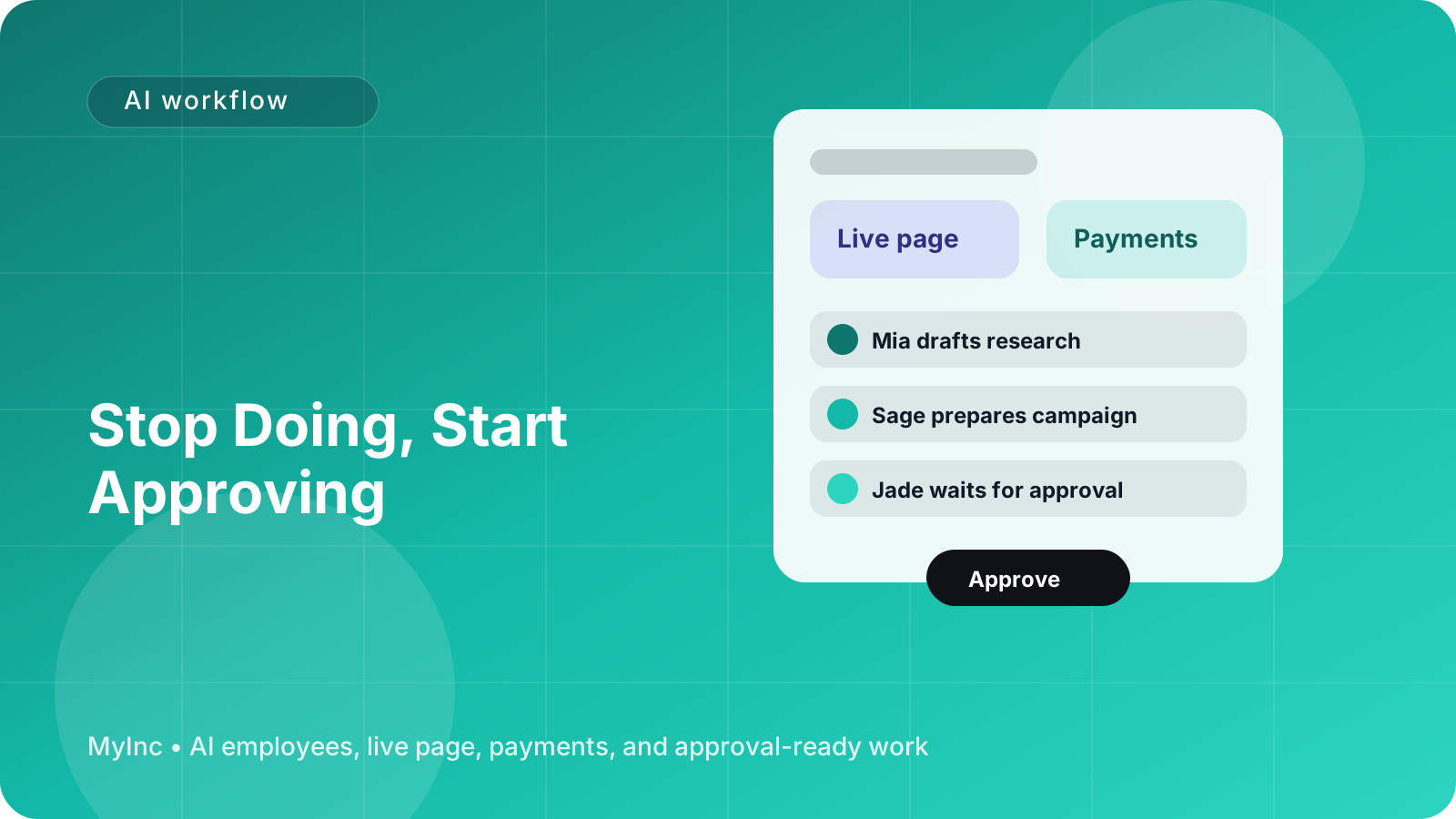
- You review the drafts in one place and approve, edit, or reject them.
- Nothing outbound ships until you give permission.
- Your feedback improves future drafts.
You stay in control of decisions and public communication. Your AI team takes care of the blank page, repetitive preparation, and overnight progress.
Why approval beats full automation
Full automation sounds attractive, but founders often need judgment more than speed. A customer may need an exception. A launch date may change. A marketing claim may be technically true but misleading. A partnership email may need a personal touch.
Those are decisions you should own.
But you should not have to start with an empty document every time. An AI teammate can gather the relevant context, suggest an approach, write a first draft, and point out open questions. You then spend a few focused minutes deciding what is right.
Think of the AI team as reliable teammates who read your context and prepare real work. They do not replace your judgment. They make your judgment easier to apply.
This distinction is especially useful for nervous founders. You are not giving AI unlimited access to your company. You are creating a clear approval gate between preparation and publication.
The basic draft-then-approve loop
Here is a workflow you can use for almost any recurring business task.
1. Define what the AI team may prepare
Start with one type of work rather than handing over everything. Good candidates include:
- Weekly social posts
- Customer or lead follow-up emails
- A newsletter draft
- A service proposal
- A landing page update
- A product or consulting offer announcement
- A meeting summary with suggested next steps
- A launch checklist
Write down what the AI teammate can draft and what it must never do without approval. For example: “Draft replies to sales inquiries, but never promise a delivery date or discount.”
2. Give it useful context
AI can only make good decisions from the information you provide. Create a short context document with:
- What your business does and who it serves
- Your current offers, prices, and availability
- Your preferred tone of voice
- Words, claims, or topics to avoid
- Examples of communication you like
- Your current priorities
- Questions that require your judgment
A freelance designer might explain their project process, ideal client, typical timeline, and minimum budget. A coach might share their coaching packages, audience, and boundaries around advice. A software founder might describe the product, target users, roadmap, and approved claims.
You do not need a perfect brand manual. Start with a page of useful facts and improve it as you review drafts.
3. Ask for a complete draft, not an idea
Vague instructions create vague output. Instead of asking, “Can you help with marketing?”, give the AI teammate a specific assignment:
“Prepare three LinkedIn posts for next week. Focus on the problem independent consultants have with inconsistent lead follow-up. Use a practical, non-hype tone. Include a clear but low-pressure call to action. Do not claim guaranteed results. Put each post in a separate section and explain the purpose of each one.”
The goal is to receive something you could approve or edit, not another list of things you need to do.
4. Add an outbound approval gate
Separate internal preparation from external action. The AI team can research, draft, format, and organize work. Your workflow should require explicit approval before anything is sent, published, or committed.
Use a simple status system:
- Drafting: The AI teammate is preparing the work.
- Needs review: The draft is ready for you.
- Changes requested: You have given feedback.
- Approved: You have checked it and authorized the next step.
- Sent or published: The work is complete.
This removes ambiguity. “Looks good” can mean different things in different situations, so use a clear approval action for anything customer-facing.
5. Review with a short checklist
You do not need to rewrite every draft. Check the items that only you can confirm:
- Is the information accurate today?
- Does it sound like the business and like you?
- Is the audience and purpose clear?
- Are any claims exaggerated or unsupported?
- Are prices, dates, links, and names correct?
- Does it create a promise you are ready to keep?
- Is this the right thing to send now?
If the answer is yes, approve it. If not, give precise feedback instead of silently fixing everything. “Make it warmer and remove the urgency” teaches more than replacing the entire paragraph without explanation.
How overnight AI work changes your week
An AI team is most useful when it makes progress while you are away from the business. Before you finish for the day, give it a clear brief:
- The result you want
- The audience
- Relevant source material
- The deadline
- Constraints and approval requirements
- What to do if information is missing
For example:
“By tomorrow morning, prepare a launch brief for my new two-hour consulting package. Include a customer-facing announcement, a short email, five social post options, and a list of unanswered questions. Use the pricing in the offer document. Do not publish or send anything. Flag any claim that needs my confirmation.”
In the morning, you should find prepared work and decisions to make—not a new project to begin. You can approve the email, ask for changes to the announcement, and answer the flagged questions. That is a much better use of founder time than opening a blank document at 9 a.m.
Use feedback to make the system safer
Your AI teammate will not understand your preferences perfectly on the first try. That is normal. Build a feedback loop.
When you reject or edit a draft, explain why in a reusable way:
- “Do not use the phrase ‘effortless growth’; it overpromises.”
- “Our customers are usually busy professionals, so use fewer technical terms.”
- “Mention the setup call before discussing the price.”
- “We can say ‘designed to help,’ but not ‘guarantees.’”
Keep a small list of these rules. Review it every few weeks and remove rules that no longer matter. Over time, the AI team gets better at your voice, your risk tolerance, and your operating preferences.
Feedback also helps you discover where approval is needed. If you repeatedly correct pricing, customer promises, or legal language, make those mandatory review points. If an AI teammate consistently gets a low-risk format right, you can reduce the amount of editing required.
A founder-friendly workflow you can start today
Try this 30-minute setup:
- Choose one recurring task. Pick the task you do at least once a week.
- Write your boundaries. List what may be drafted and what requires approval.
- Collect three examples. Add past emails, posts, proposals, or pages that represent your preferred quality.
- Create one detailed brief. Include the audience, goal, format, deadline, and constraints.
- Request a batch. Ask for several drafts so you can compare options.
- Review using the checklist. Approve, request changes, or reject each item.
- Record your feedback. Turn repeated corrections into standing instructions.
- Schedule the next brief. Make the workflow recurring instead of relying on memory.
Start with a low-risk task such as social drafts or an internal weekly summary. Once the approval loop feels reliable, expand to customer emails, launch materials, proposals, and other outward-facing work.
FAQ
Does an approval workflow defeat the purpose of AI?
No. The purpose is not to remove every human decision. It is to remove unnecessary manual preparation. If AI turns a two-hour task into a ten-minute review, you have gained time while keeping control.
What if the AI draft is wrong?
Treat every draft as work for review, not as truth. Provide current source material, require the AI teammate to flag missing information, and check dates, prices, names, and promises before approval. The approval gate exists precisely because drafts can be wrong.
Can a solo founder use this without technical skills?
Yes. You can begin with plain-language instructions and a simple checklist. You do not need to build software or understand machine learning. You need to explain your business, define boundaries, and give clear feedback.
Let your AI team prepare the work while you decide
The hard part of this workflow is often not the approval. It is keeping all the context, briefs, drafts, feedback, and follow-ups organized in one place.
MyInc.app is built for that founder workflow. Its AI team includes a chief of staff plus launch, marketing, social, and content AI teammates that work from your business context, prepare real work overnight, and wait for your approval before anything goes out.
MyInc.app can help solve three specific problems:
- The blank-page problem: AI teammates turn your goals and rough ideas into complete drafts instead of sending you back a list of tasks.
- The overnight-progress problem: Your team prepares launch plans, content, follow-ups, and next steps while you are away.
- The control problem: Outbound work stays behind an approval gate, so you decide what gets sent, published, or promised.
It also gives you a live page, a business email, and Stripe payments, so the work your AI team prepares can connect to the basic tools your company needs.
Ready to stop running your company alone? Start MyInc.app for free and let the AI team take this exact draft-then-approve work off your plate—while you remain the final decision-maker.