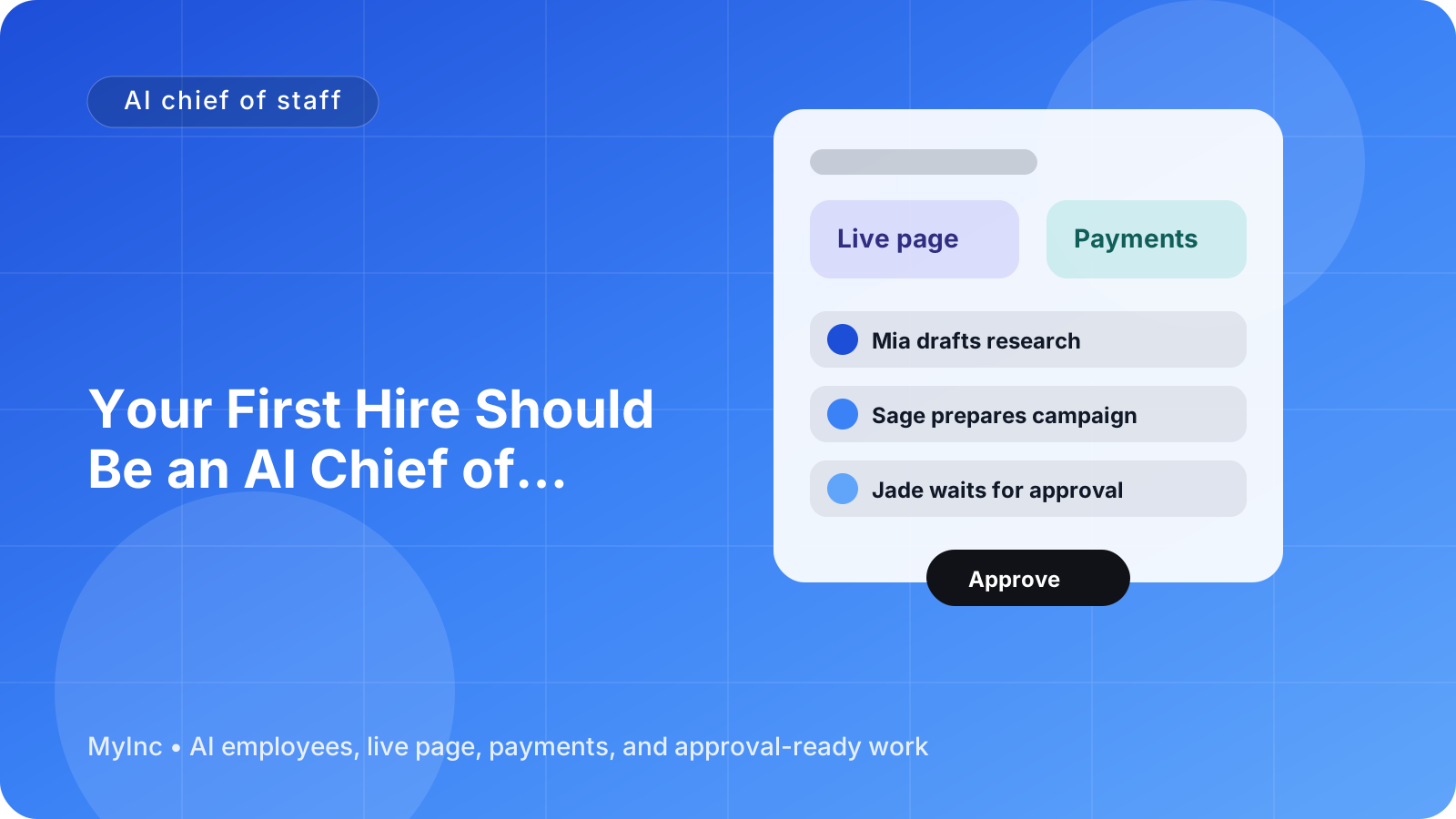
You open your laptop with a clear plan. Then an email needs a reply, a client asks for an update, a launch task is overdue, and three new ideas compete for your attention. By lunchtime, you have been busy all morning but have not moved the most important work forward.
That is the daily reality for many solo founders. You are not short on ambition or ideas. You are short on time, coordination, and a reliable way to turn incoming work into the right next action.
Quick answer
An AI chief of staff for founders helps you replace reactive firefighting with a simple operating rhythm:
- It collects requests, tasks, and updates in one place.
- It identifies what matters most today.
- It prepares follow-up emails, task briefs, and next steps.
- It coordinates other AI teammates around the priorities you approve.
- It gives you a weekly recap so nothing important disappears.
- You review one approval queue before anything is sent or published.
The goal is not to hand your business over to automation. The goal is to have a reliable AI teammate prepare the work while you make the decisions only you can make.
What an AI chief of staff actually does
A human chief of staff helps a founder stay focused. They organize priorities, track commitments, prepare meetings, coordinate people, and make sure decisions turn into action.
An AI chief of staff works in a similar way. It reads the business context you give it, remembers the current priorities, and turns unstructured information into useful drafts and plans. Think of it as a teammate who can help you sort the day before you start reacting to it.
For example, an AI chief of staff can:
- Review new requests and sort them by urgency, impact, and effort.
- Turn a rough voice note into a clear task or project brief.
- Draft a reply to a prospect, client, partner, or contractor.
- Notice when you promised to follow up and prepare the message.
- Break a launch goal into tasks for marketing, social, and content AI teammates.
- Prepare a short weekly report showing progress, blockers, and open decisions.
It should not send important messages, publish content, change pricing, or make sensitive decisions without your approval. A good setup keeps you in control through a single queue of work waiting for review.
Step 1: Create one place for incoming work
Your first improvement is simple: stop relying on memory.
Capture every new request in one inbox or task list. This can include emails, customer questions, sales opportunities, product ideas, delivery issues, and personal reminders related to the business.
When you add an item, include just enough context:
- What happened?
- Who is involved?
- What outcome do you want?
- Is there a deadline?
- What would happen if you did nothing this week?
For example, instead of writing “follow up with Maya,” write: “Maya asked about the consulting package on Tuesday. Send pricing and ask whether she wants to start in November. Follow up by Friday.”
Clear context helps an AI teammate produce a useful draft instead of asking you to explain the same situation again.
Step 2: Ask for a daily priority queue
At the start of each day, ask your AI chief of staff to turn the inbox into a short priority queue. A practical queue has three levels:
Must happen today
Work with a real deadline, a customer impact, or a clear financial consequence.
Should happen today
Important work that keeps momentum, such as preparing a proposal, reviewing a launch draft, or resolving a delivery blocker.
Can wait
Ideas, low-impact administration, and tasks that are useful but not urgent.
Ask for no more than three must-do items. If everything is urgent, the queue is not helping you prioritize.
A daily brief might look like this:
Today’s focus
- Approve the proposal reply for the highest-value prospect.
- Review the landing page draft before the afternoon launch.
- Resolve the client delivery question blocking tomorrow’s work.
Waiting for your decision
- Choose between two workshop dates.
- Approve the revised service price.
Delegated preparation
- Draft three launch posts.
- Prepare a customer follow-up sequence.
- Summarize this week’s open tasks.
This structure gives you a starting point. It also protects you from spending your first two hours answering whichever notification arrived most recently.
Step 3: Turn follow-ups into drafts, not forgotten promises
Follow-ups are where many solo founders leak revenue and trust. You intend to reply after a call, check in with a lead, or ask a client for missing information. Then another deadline arrives and the promise disappears.
Your AI chief of staff can maintain a follow-up list and prepare drafts based on the original context.
Useful follow-up categories include:
- Leads who asked for pricing or a proposal.
- Customers waiting for an update.
- Partners who have not replied.
- Contractors waiting for approval or assets.
- People you promised to reconnect with after a meeting.
The draft should be specific and easy to review. For example:
Hi Maya, thanks for asking about the November consulting package. I have attached the three-session option we discussed. If the scope looks right, I can reserve Tuesday mornings for you. Would you like to start on November 5?
You can approve it, edit it, or ask for a different tone. The important change is that you are reviewing a prepared message instead of trying to reconstruct the whole conversation from memory.
Step 4: Coordinate the rest of your AI team
A chief of staff becomes more valuable when it coordinates specialized AI teammates. You do not need to ask separate tools to repeat the same background information or manually divide every project into parts.
Give the chief of staff a goal, a deadline, and any constraints. It can then prepare assignments such as:
- A launch AI teammate creates the launch checklist and timeline.
- A marketing AI teammate drafts the email sequence and offer positioning.
- A social AI teammate turns the main idea into platform-specific posts.
- A content AI teammate prepares an article, case study, or customer FAQ.
For a service business launching a new workshop, the coordinated plan might include a sales page draft, an email announcement, three social posts, a payment link, and a reminder for people who clicked but did not register.
For a consultant, it might mean a proposal outline, a case study request, a client onboarding email, and a list of questions for the discovery call.
For a creator, it might mean turning one long video into a newsletter, short posts, and a simple offer for the audience.
The chief of staff keeps the pieces connected and brings the finished work back to one approval queue. You are not chasing five separate drafts across five places.
Step 5: Use a single approval queue
The approval queue is the control center. It should show work that is ready for your decision, with enough context to approve it quickly.
Each item should answer four questions:
- What is this?
- Why does it matter now?
- What will happen if I approve it?
- What needs my judgment?
Group the queue by type if that helps: messages, content, launch decisions, customer work, and payments. Keep the approval standard clear. Routine, low-risk drafts can be approved quickly. Anything involving money, promises, legal terms, public claims, or customer data deserves a closer review.
A useful review habit is to check the queue twice a day rather than interrupting yourself every time an AI teammate finishes something. This preserves focused work while keeping your business moving.
Step 6: End the week with a recap
A weekly recap turns activity into learning. Ask your AI chief of staff to summarize:
- What was completed.
- What is still open.
- Which leads, customers, or partners need attention.
- Which decisions are blocking progress.
- What produced results.
- What should be the top three priorities next week.
You can also ask it to identify repeated interruptions. If the same customer question appears every week, create an FAQ. If proposals repeatedly stall at the same point, change the process. If content takes too long to approve, create clearer guidelines.
The recap should not be a long diary. Keep it short enough to read in five minutes and useful enough to guide the next week.
A workflow you can start today
Set aside 30 minutes and do this:
- Write down every open task, promise, and concern.
- Add the deadline, person involved, and desired outcome for each item.
- Ask an AI teammate to sort the list into must happen, should happen, and can wait.
- Choose your top three priorities.
- Ask for drafts of every follow-up due this week.
- Ask for a plan that coordinates any launch, marketing, social, or content work.
- Review the drafts in one approval queue.
- Schedule a 15-minute weekly recap for the same day each week.
Do not try to automate everything on day one. Start with prioritization and follow-ups. Once those are reliable, add coordinated launch work and recurring reports.
Common mistakes to avoid
Giving vague instructions. “Help me grow” is not a workable task. Give a goal, audience, deadline, and constraints.
Creating too many priorities. A list of 20 priorities is another form of chaos. Choose three for today.
Skipping the approval step. Automation should reduce busywork, not remove your judgment from important decisions.
Failing to update context. Tell your AI team when pricing, positioning, deadlines, or customer commitments change.
Measuring activity instead of progress. More drafts are not the goal. More completed customer work, revenue opportunities, and focused founder time are the goal.
FAQ
Is an AI chief of staff only useful for technology startups?
No. It can help any founder who manages competing priorities and recurring communication. Consultants, agencies, coaches, creators, local service businesses, and product founders can all use it for planning, follow-ups, launches, and weekly reviews.
Will the AI send messages or publish content without me?
It should not. The safest workflow is for the AI team to prepare drafts and place them in an approval queue. You decide what goes out, what changes, and what waits.
What should I delegate first?
Start with repetitive, context-heavy work that still needs your approval: daily prioritization, follow-up drafts, meeting summaries, launch checklists, and weekly recaps. These tasks usually create immediate relief without requiring you to give up control.
Stop running every part of the business from memory
The right AI chief of staff does more than produce text. It gives your business a dependable operating rhythm: priorities in the morning, prepared follow-ups during the day, coordinated work from specialized AI teammates, and a clear recap at the end of the week.
MyInc.app is built to solve the specific problems that make solo founders reactive:
- Scattered priorities: its chief of staff turns incoming work into a focused daily queue.
- Missed follow-ups: it prepares replies and reminders from the context of your conversations and commitments.
- Disconnected execution: launch, marketing, social, and content AI teammates work from the same goals and bring drafts back for your approval.
- No clear view of progress: weekly recap reports show what shipped, what is blocked, and what deserves attention next.
Ready to stop running your company alone? Start MyInc.app for free and let the AI team take this exact work off your plate. MyInc.app gives you a chief of staff plus launch, marketing, social, and content teammates that build the work, prepare it for review, and keep you in control of what goes out.